10.2 Firmware Upgrade via SPI
10.2.1 Installation
The software folder on the BlueEva+B20 CD-ROM or the provided package contains
application programs for flashing new firmware and for setting specific configuration.
These application programs require a specific driver. Install the driver on your PC by
doing the steps below:
Copy all files from the “Software” folder to a directory on your hard disk
Run “InstParSpi.bat”
Run “RegPSToolocx.bat”
Reboot your PC
10.2.2 Upgrade Procedure
Connect the SPI interface of the BlueMod+B20 to the parallel port of your PC using a
SPI cable.
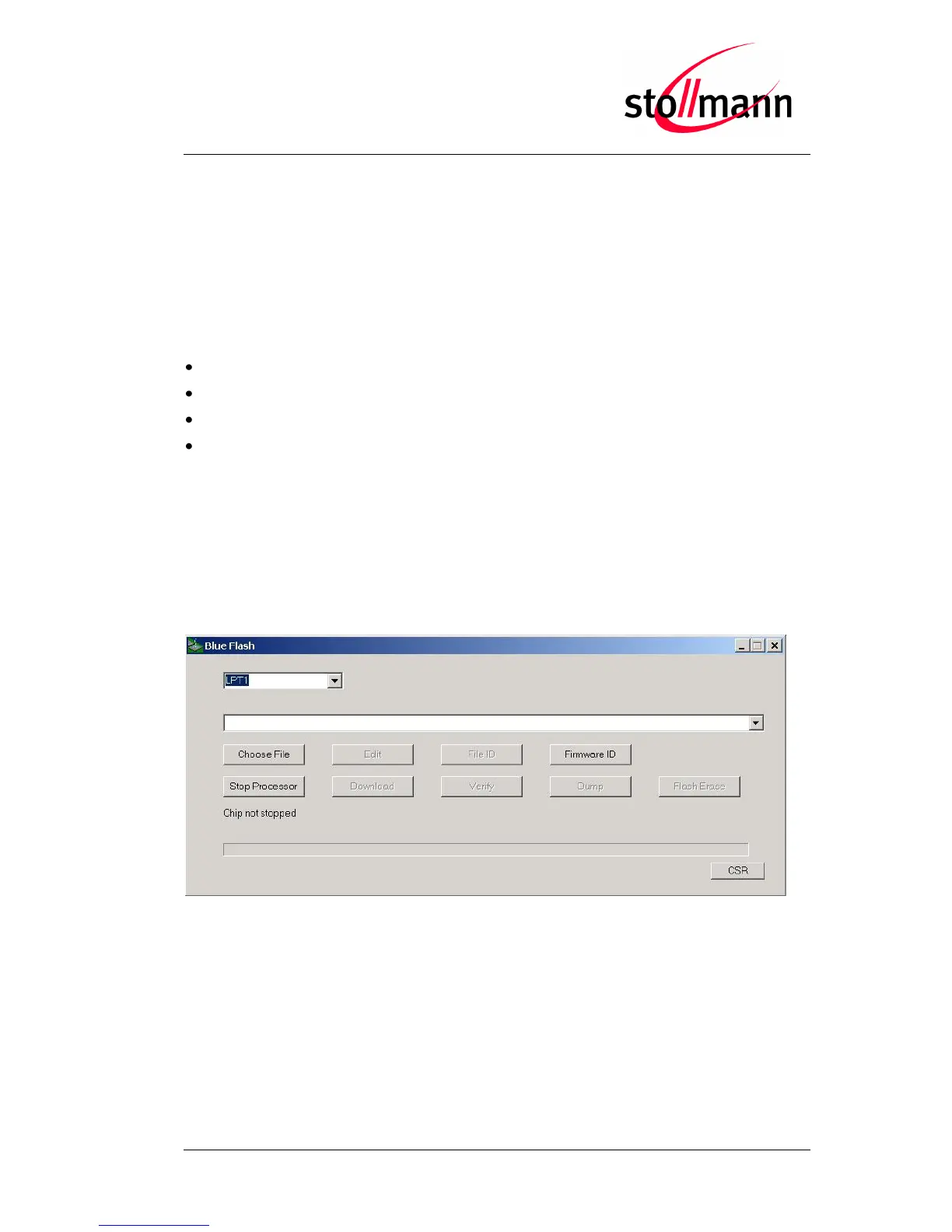
For flashing new firmware, power-on the BlueMod+B20 and start the BlueFlash
application (BlueFlash.exe).
BlueFlash application
Press the “Choose File” button and choose the firmware file you want to flash into the
BlueMod+B20. Then press the “Stop Processor” button to halt the processor, followed
by the “Download” button to start the flash procedure.



 To Next Page