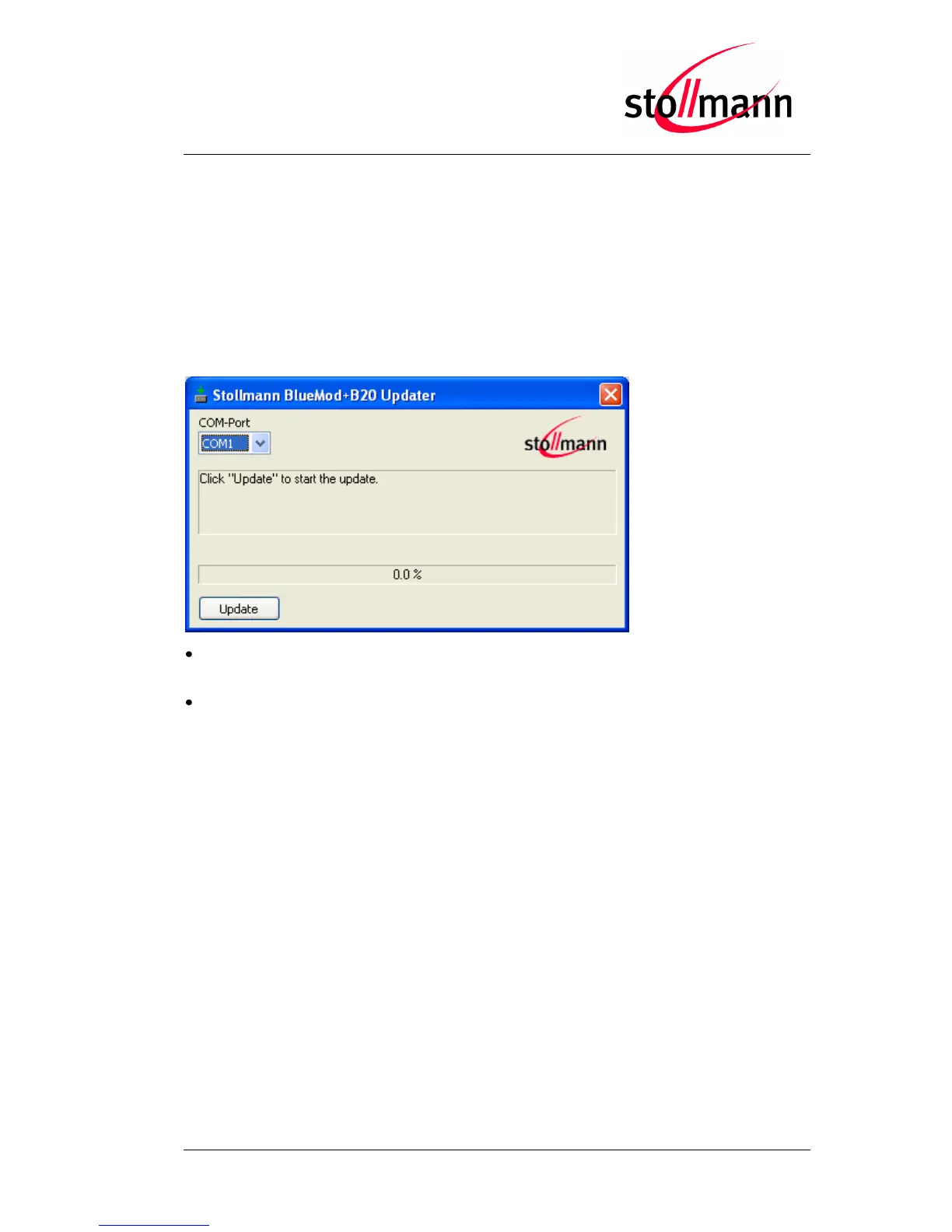
10.1.2 Stollmann BlueMod+B20 Updater
Stollmann BlueMod+B20 Updater serves as a tool for uploading a firmware file (*.dfu)
into a BlueMod+B20.
The program requires a PC with at least one free COM-Port and Windows XP or
Windows Vista as operating system.
The upload is processed via the serial port the device is attached to.
COM-Port
The COM-Port the device is attached to
Update
Starts the update procedure
Several instances of Stollmann BlueMod+B20 Updater may be started concurrently on
one PC in order to update several BlueMod+B20 in parallel.
After the successful update close the software and reset the BlueMod+B20.
Note:
All stored settings in the S registers will be lost and set to default values after the
firmware update.
Do not disconnect the device while the update is in progress, otherwise the update
will fail and has to be repeated. In case it is not possible to update the BlueMod+B20
please contact the support.



 To Next Page