Stonex R60 – User Manual 22
- VD -> Vertical Distance
- N -> Nord coordinate
- E -> Est coordinate
- Z -> Z coordinate
- PPM -> Atmospheric Correction
- PSM -> Prism Constant
The lateral bar (green squared in the photo above) allows the user to configure the instrument and
perform the measurement. In this section there are some icons with different functions, here below their
description.
Click on this icon to start to
measure.
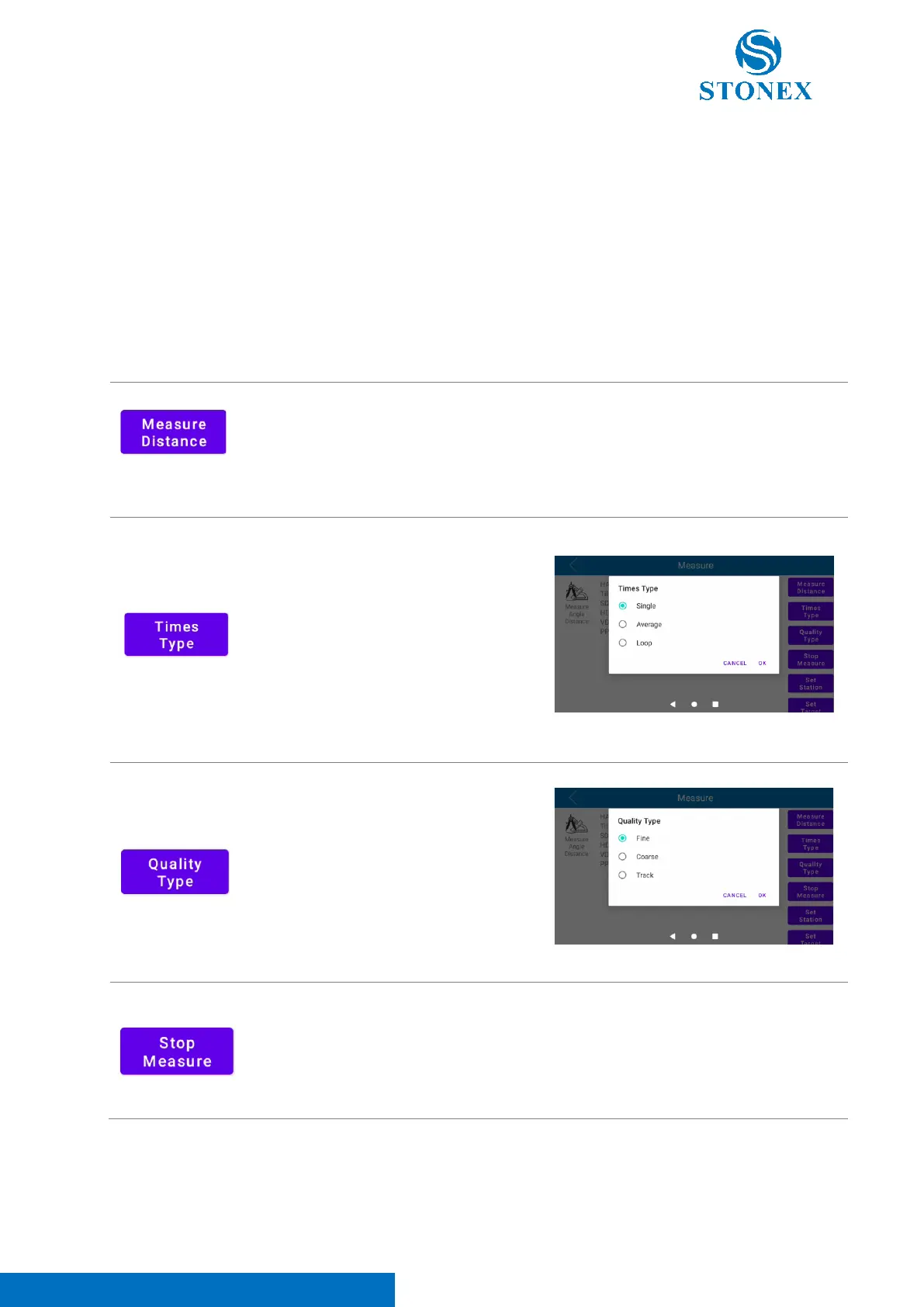
Click on this icon to define the
EDM measure mode type. It’s
possible to choose between
“Single” (single measure),
“Average” (measure the same
point more than one time and
mean the measurements) and
“Loop” (continuous measure)
Click on this icon to define the
measure quality type. It’s possible
to choose between “Fine” (precise
measurement), “Coarse” (coarse
and quick measurement) and
“Track” (tracking measurement)
Click on this icon to stop the
measurement.



 To Next Page