- Distance Resolution: distance
displayed resolution formats are
1 mm, 0.1 mm, 0.01 mm.
- HAngle Type: choose HA angle
reading incrementation between
“Right Angle” (horizontal angle
clockwise incrementation) and
“Left Angle” (horizontal angle
counterclockwise
incrementation).
- VAngle Type: choose the VA
angle reading type between ZA
(0 is set when the telescope is
turned upwards in the vertical
direction, vertical angle range 0°-
360°/400 gon), VA (0 is set when
the telescope is horizontal,
vertical angle range 0°- 360°/400
gon), HLR90 (0 is set when the
telescope is horizontal; vertical
angle range 0°/±180°) and GR
(vertical angle is displayed in
percentage).
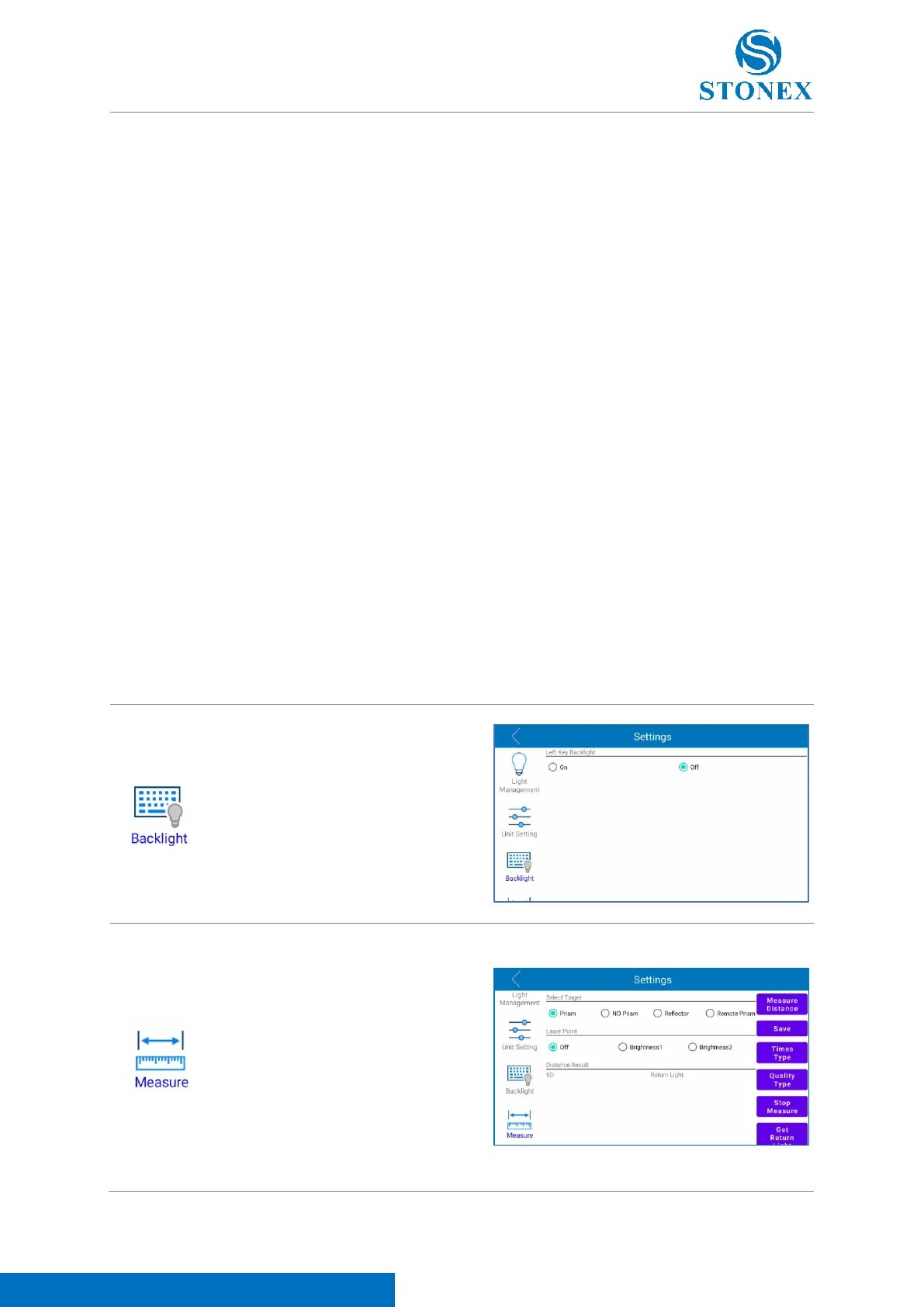
Click on this icon to enter in measure
distance testing menu. See 4.2.3 R60
Manager (measure section) for a
description of the icons in the lateral
bar. Click “Get Return Light” to check
the return light signal. Click “Backup
UserP” to back up user parameters
configuration set in this page. Click
“Restore UserP" to restore saved user
parameters configuration.



 To Next Page