Stonex R60 – User Manual 27
See chapter 4.2.3 R60 Manager
(service section).
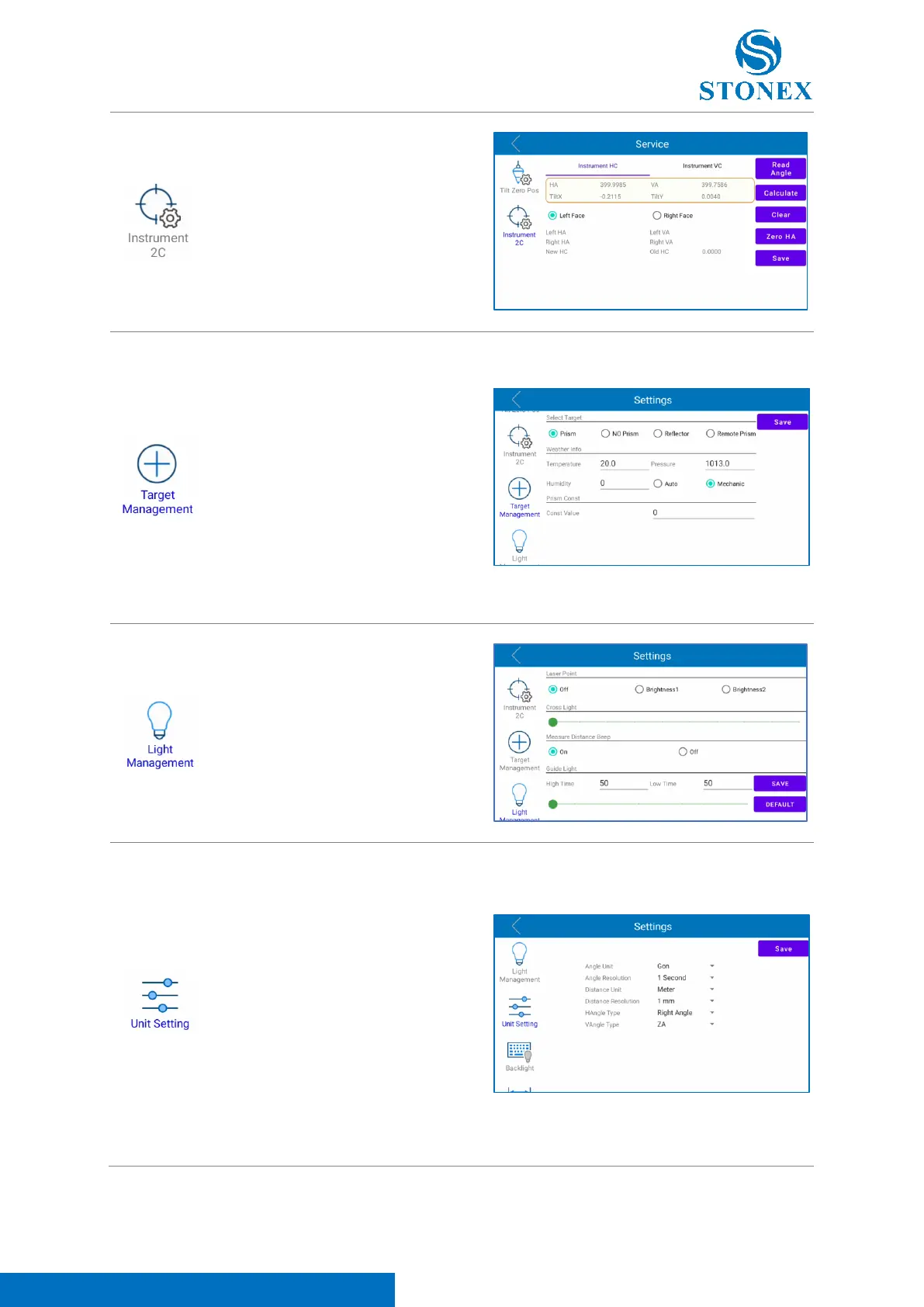
Click on this icon to set the Target
type (choose between “Prism”, “No
Prism”, “Reflector” and “Remote
Prism”), the Weather Info (click on
“Mechanic” to input manually the
temperature, pressure and humidity
values; click on “Auto” to use the data
collected automatically by total
station sensors; 11.1 Atmospheric
Correction). In this page the user can
also add the prism constant.
Click on this icon to turn on/turn off
the laser pointer, the telescope cross
light, the beep measure sound and
the Guide Light. "High Time" is the
high-level time of pulse, "Low Time"
is the low-level time of pulse.
Changing the time is possible to
change guidelight frequency
In this section it’s possible to set
instrument:
- Angle Unit: angle measure unit
formats are DMS, Degree, Rad,
Gon, Mil.
- Angle Resolution: angle displayed
resolution formats are 1 second,
0.1 second, 0.01 second.
- Distance Unit: distance measure
unit formats are Meter, US-Feet,
US-Inch, INT- Feet, INT- Inch.



 To Next Page