Stonex R60 – User Manual 26
R60 Manager – Settings menu
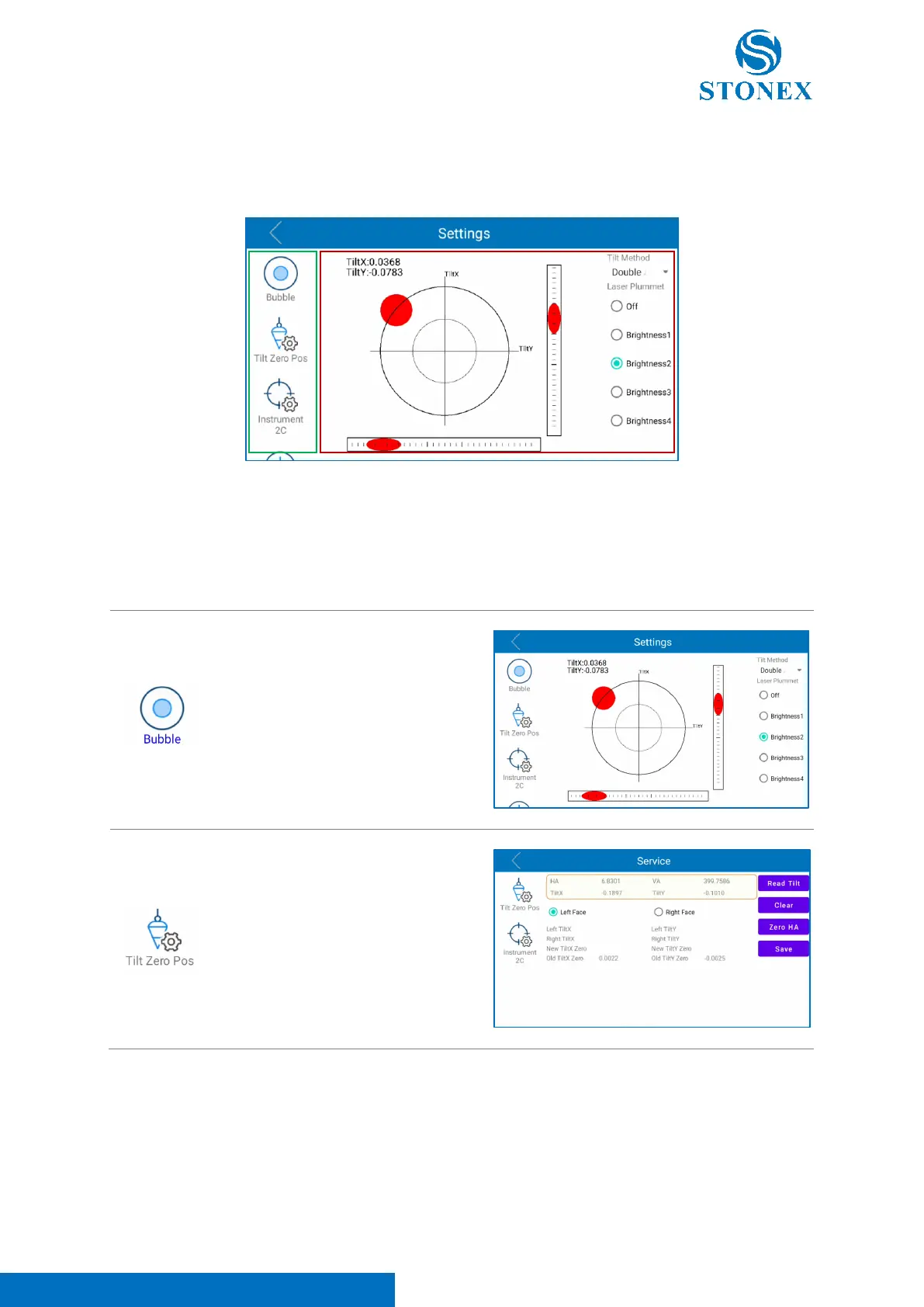
In this menu the user can configure and sets the total station main parameters. As visible in the image
below, the “settings” interface is organized in two main sections.
The lateral section (green squared in the photo above) is a scrolling menu containing different functions,
that can be used to configure the total station. When the user select a function in the lateral bar, the
central section (red squared in the photo above) changes according to the icon clicked.
Here below the list of the functions included in this menu.



 To Next Page