Stonex S800 GNSS Receiver - User Manual - Ver.1-Rev.0 6
4.1.3 Control Panel
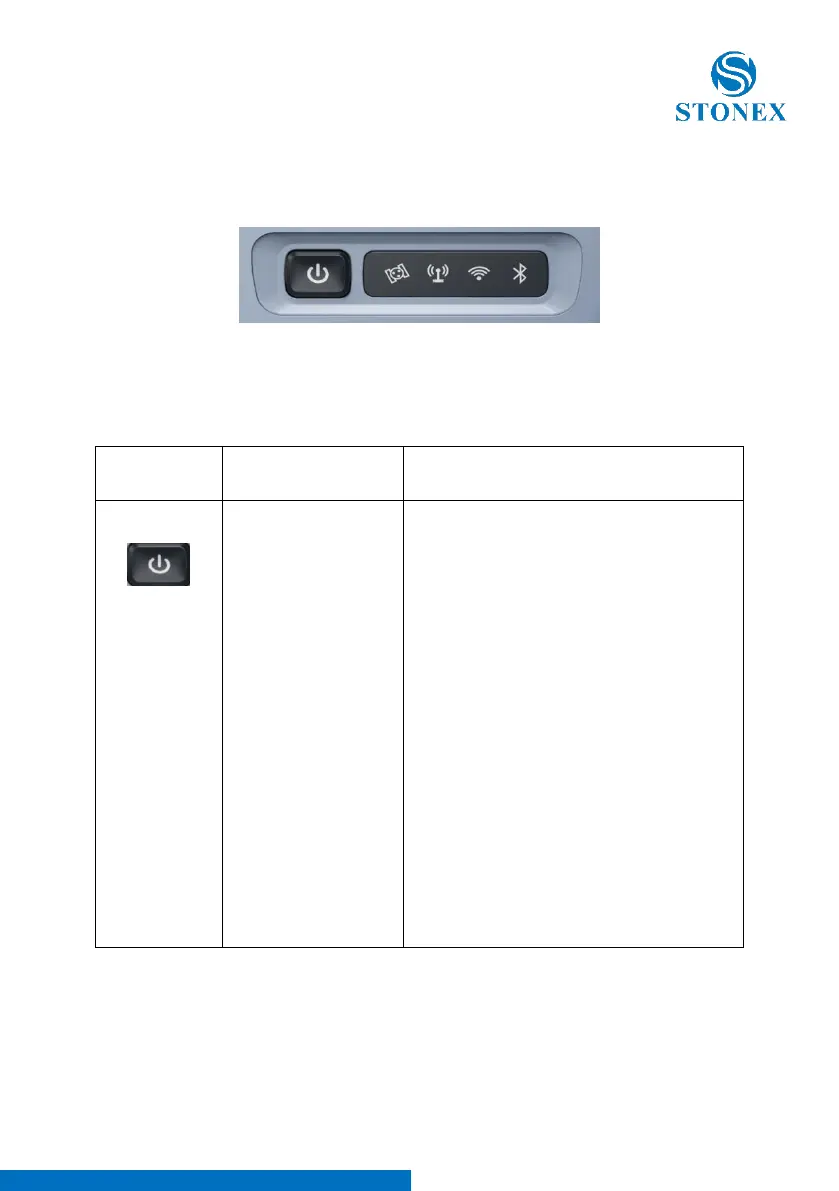
Control Panel is illustrated in Figure 4-3.
Figure 4-3 Control Panel
Table: Indicator function description
When the S800 receiver is powered on, the
power indicator will be lit. According to
battery power, the power indicator shows
the following three different statuses:
1. On (Green): sufficient power supply
2. Fast flashing: power below 10%,
indicator flashing once per second
3. Slowly flashing: charging, indicator
flashing once per 3 seconds
Note: Most often, when power indicator is
fast flashing, the internal battery can support
receiver to continuously work for only 1
hour. The indicator shows both statuses of
internal battery and external power, and
when the receiver connects to external
power, the indicator will automatically switch
to showing status of external power.



 To Next Page