Stonex S800 GNSS Receiver - User Manual - Ver.1-Rev.0 7
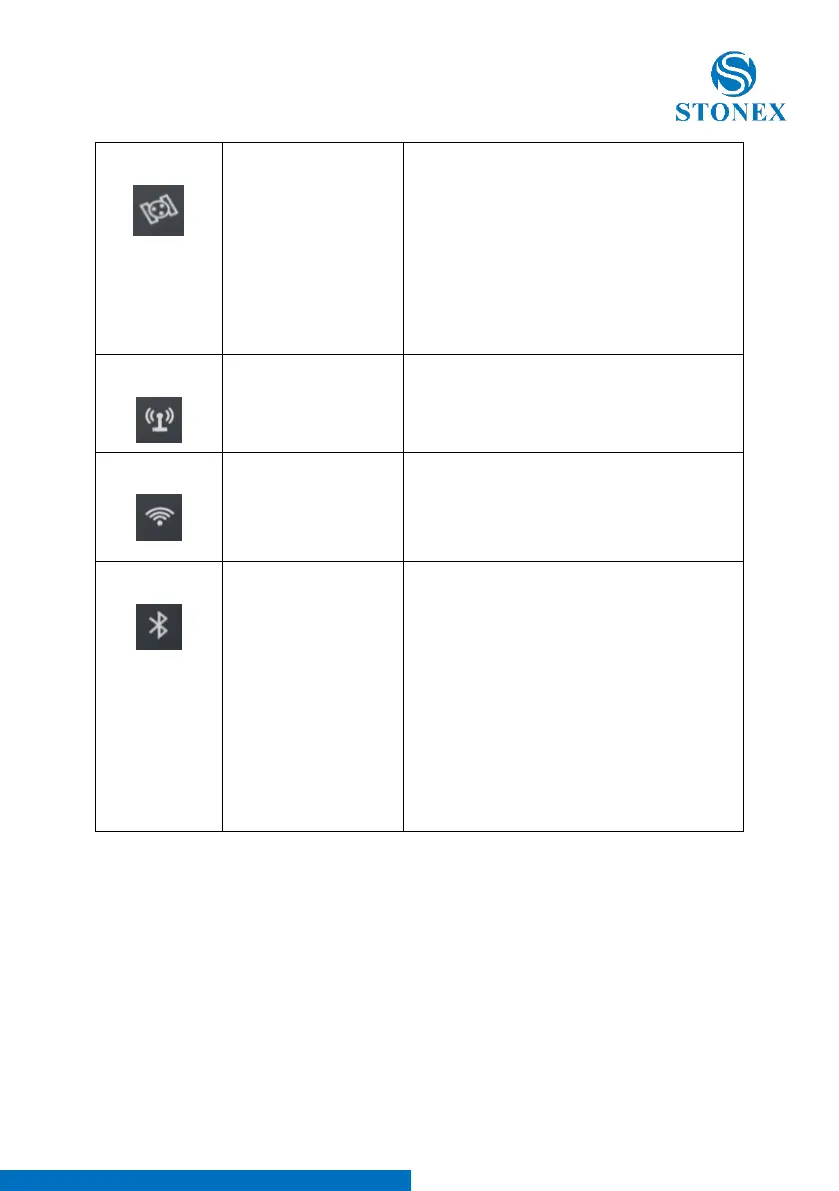
Blink: Lock satellites
Off: invalid solution
(Lock no satellite)
This led shows the amount of locked
satellites. When the receiver locks more than
one satellite, the led will start flashing in a
loop per 30 seconds,and the number of
flashes is the number of the satellites locked
by the receiver. When the receiver locks no
satellite, it’s off.
Flashing: data is
transmitting
When the receiver starts to transmit or
receive data, the led starts flashing.
On: WIFI on
Off: WIFI off
When WIFI is on, the led is lit green.
When the WIFI is off, the led is off.
On: Bluetooth has
connected.
Flashing: Bluetooth
has connected and is
receiving differential
data.
Off: no connection
When receiver is connected to handheld or
other instruments by Bluetooth, the led will
be lit blue.
When receiver has connected to other
instruments by Bluetooth and is receiving
differential data, the led will be flashing.
When receiver doesn’t use Bluetooth, the led
won’t be lit.
4.1.4 Mode View and Mode Switch
Mode view
When receiver is powered on, flip the power button and then it will voice
broadcast the current working mode and data link.
Mode switch
When the receiver is powered on, connect it with handheld or other
instruments so as to set up and switch the working mode of receiver.



 To Next Page