19 800 0002 12.2020
18
Operation
4.4 Reading out the device data
To enable the operating hours, total number of pulses and the software version to be
read out, the device must be restarted.
• Press during the restart .
4.5 Start-up
• Set the intensity of the pulses to the required intensity level.
• Before each treatment, make sure that the pulse counter is set to zero.
If the pulse counter is not reset, the display will show more pulses than were actually
delivered during the treatment. This poses a risk of the treatment being stopped pre-
maturely by mistake.
• Press the trigger button on the device (F
IG. 3-1 /2 ).
• When you press the trigger button again, the pulses will stop being emitted.
If 2000 pulses are reached during the treatment, the handpiece stops automatically.
Further treatment is possible.
4.6 Treatment
Safety information
Before using the device, the user must make sure it is functioning safely and in proper
condition.
• Read through Chapter 1 G
ENERAL SAFETY INFORMATION before beginning treat-
ment.
CAUTION
Equipment damage due to improper storage and transport
can result in damage to the patient's health.
► Familiarise yourself with the ambient conditions for storage and transport in chap-
ter 8.1 T
ECHNICAL SPECIFICATIONS.
► Make sure that no cables are crushed or sheared.
► After transporting the device or a longer treatment break, check that the device is
working properly.
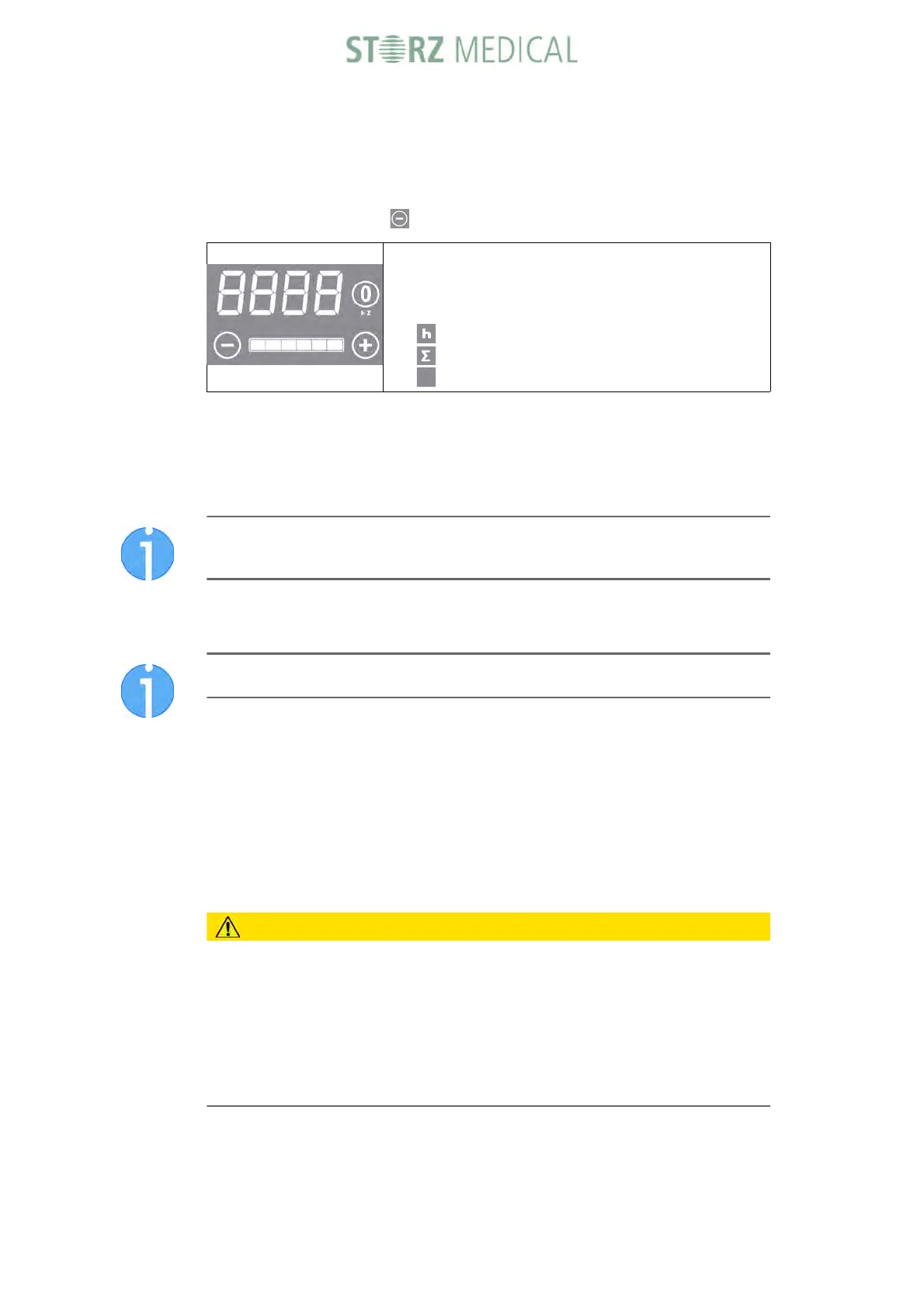
The display will then show the operating hours, followed
by the total number of pulses and then the software ver-
sion. The numbers will scroll along the 4-digit display
from left to right.
– Operating hours, e.g. 3h
– Total number of pulses, e.g. 1000 “ ”
– Software version, e.g. 029 040-xx-xxxx









 To Next Page