77
After all the connections have been made properly, switch on your TV.
Make sure the receiver is connected to the mains and press Power to
switch the receiver on. If you are using the receiver for the first time,
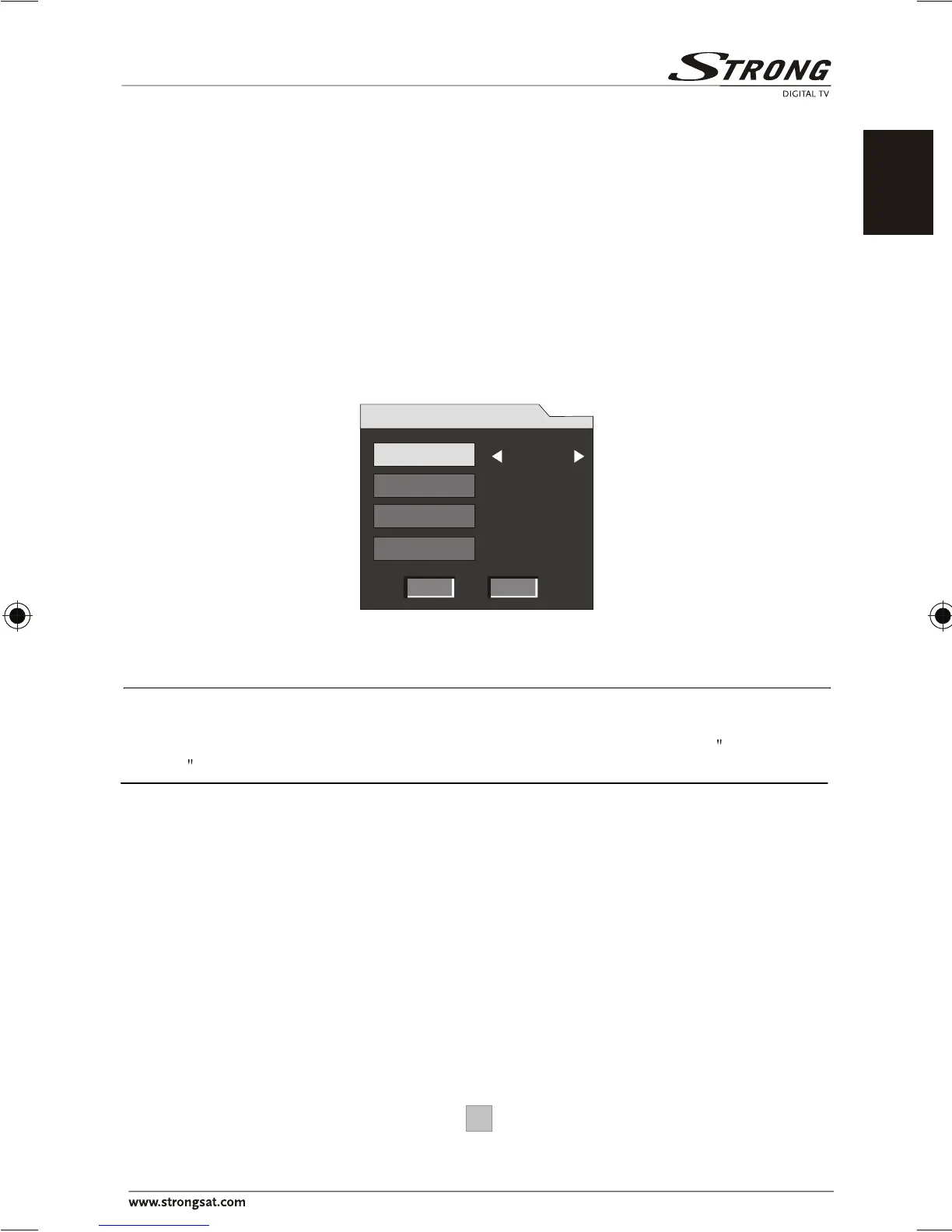
a First Time Installation menu will be displayed to guide you through
the initial setup. Use the remote controller to finish the setup.
1. Enter your regional settings, include your Region, OSD
Language, Time Zone and Antenna Power. Then select NEXT to
proceed.
Note: Make sure to select the region you are located since the receiver will scan the
channels based on the bandwidth of the region you selected. If your region is not on
the list, you are recommended to conduct a manual search. Refer to Manual
Search on page 16 for details.
4. First Time Installation
England
English
GMT + 00:00
OFF
First Time Installation (1)
BACK NEXT
Region
Language
Time Zone
Antenna Power
English







 To Next Page