1212
5.9 Displaying Text
Press the TEXT key to open a teletext page (if teletext is transmitted).
Press TEXT key again to close it.
5.10 Selecting Sound Mode
To switch the sound mode between LL (left), RR (right) and LR (stereo),
press the Audio key.
4. To exit the detailed EPG screen, press the Left key.
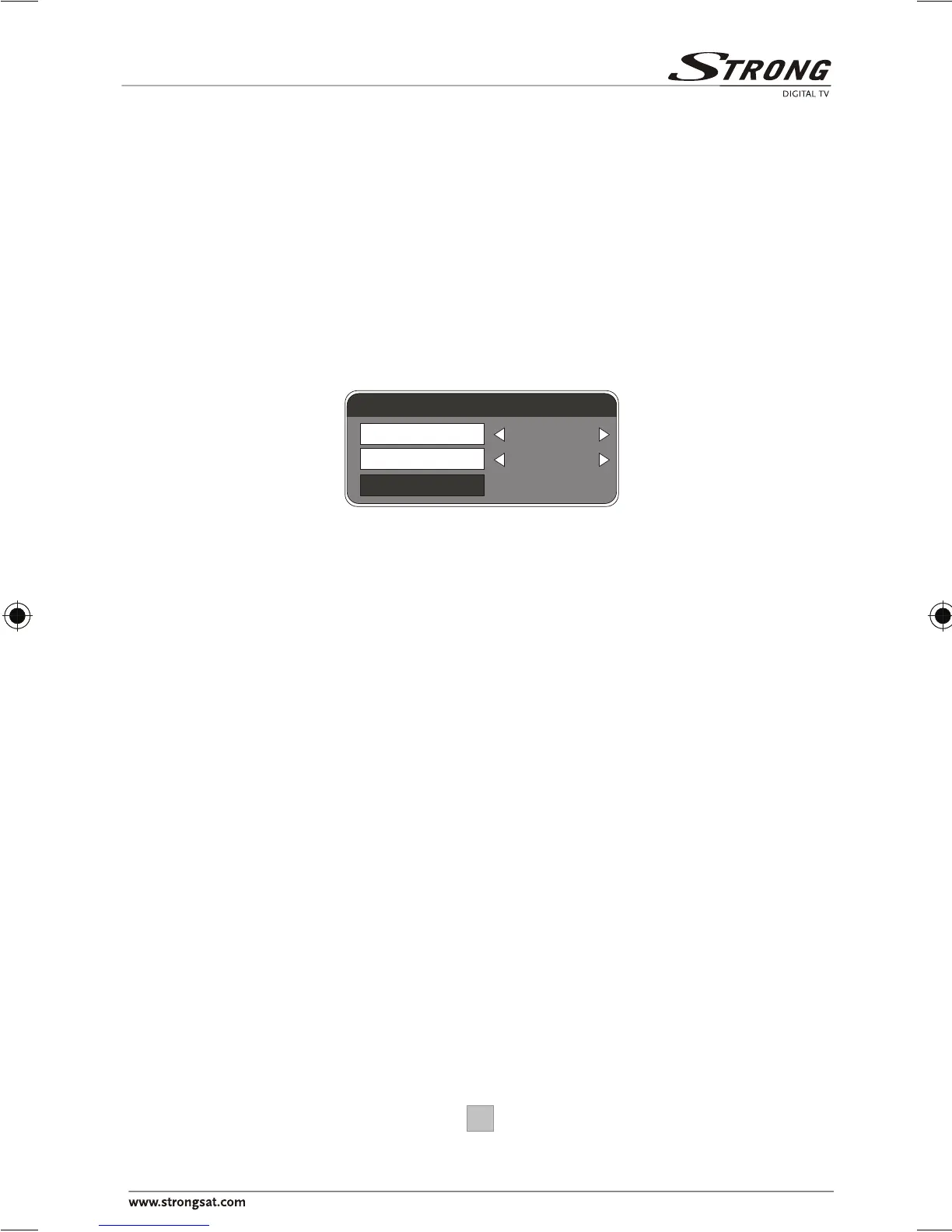
Audio channel
Channel
Audio PID
Sound Mode
Audio 1
4012
LR







 To Next Page