2. Front Panel and Rear Panel Illustration
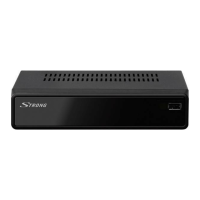
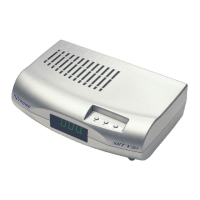
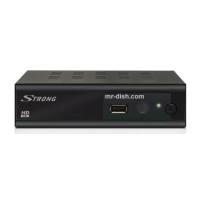
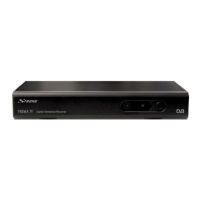
2.1 Front panel
1 ANT IN : This socket connects to your external aerial.
2 TO TV: This socket will bypass the RF signal to either your TV or another
video system.
3 S/PDIF COAXIAL: This socket connects to a coaxial socket on your surround sound system.
4 VCR SCART: This socket connects to either a DVD or other video system.
5 TV SCART: This socket connects to your TV.
6 RS-232 PORT: This socket is only used for software upgrade.
7 MAINS CABLE: This is used to connect to your main power supply.
1 POWER BUTTON: Used to turn on/off the main power supply.
2 REMOTE CONTROL SENSOR: Used to receive the signal from the remote control.
3 STANDBY INDICATOR: Used to visually show power state of the receiver, the green
LED will be light if turned on the receiver and the red LED will be light if the receiver
entered standby mode.
4 CHANNEL UP/DOWN: Used to change channels without using the remote control.
22
2.2 Rear panel







 To Next Page