9 9
5. Basic Operations
Once program search is completed, you can start to watch digital
terrestrial TV channels and radio broadcasts. Some typical operations
are given in this chapter.
5.1 Switching On and Off
5.2 Changing Channels
To switch between different channels, you can:
Press OK to display the channel list and UP/DOWN to select a desired
channel.
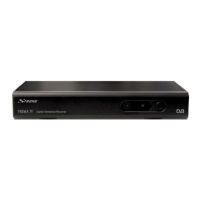
Whenever you are not using the receiver for a long time, press the button
on the front of receiver. It will switch MAIN power totally OFF. For daily us,
you can just us the Standby key on remote control to put it into standby
mode.
Press the CH+ / CH- key or buttons on the receiver to go to the previous/
next channel.
Use the numeric keys to select a channel number.
Use the RECALL key to return to the previous viewed channel.
Whenever you change a channel, a banner appears at the bottom of the
screen displaying the basic information on the current channel.
5.3 Adjusting the Volume
Press the VOL+ / VOL- key to adjust the volume.
1
2
3
4
5
7
8
Program Name
DIMO
FTV
FMTV
FTVN
TTV-1
HAKKA
CTS
No.
TTV-2
6
TV Program List
TV
13
HAKKA
LR
TV/Radio
Channel No.
Channel Name
Sound Mode
Volume
English









 To Next Page