IRIDIUM - Amp & IR Cab
pg 17
STEREO
MONO
IN OUT L OUT R EXP
SUM
USB
CABAMP
ROOM
TREBLE
BASS
FAV ON
DRIVE LEVEL
a
b
c
amp & ir cab
MIDDLE
round
chime
punch
ON
FAV
LEVEL
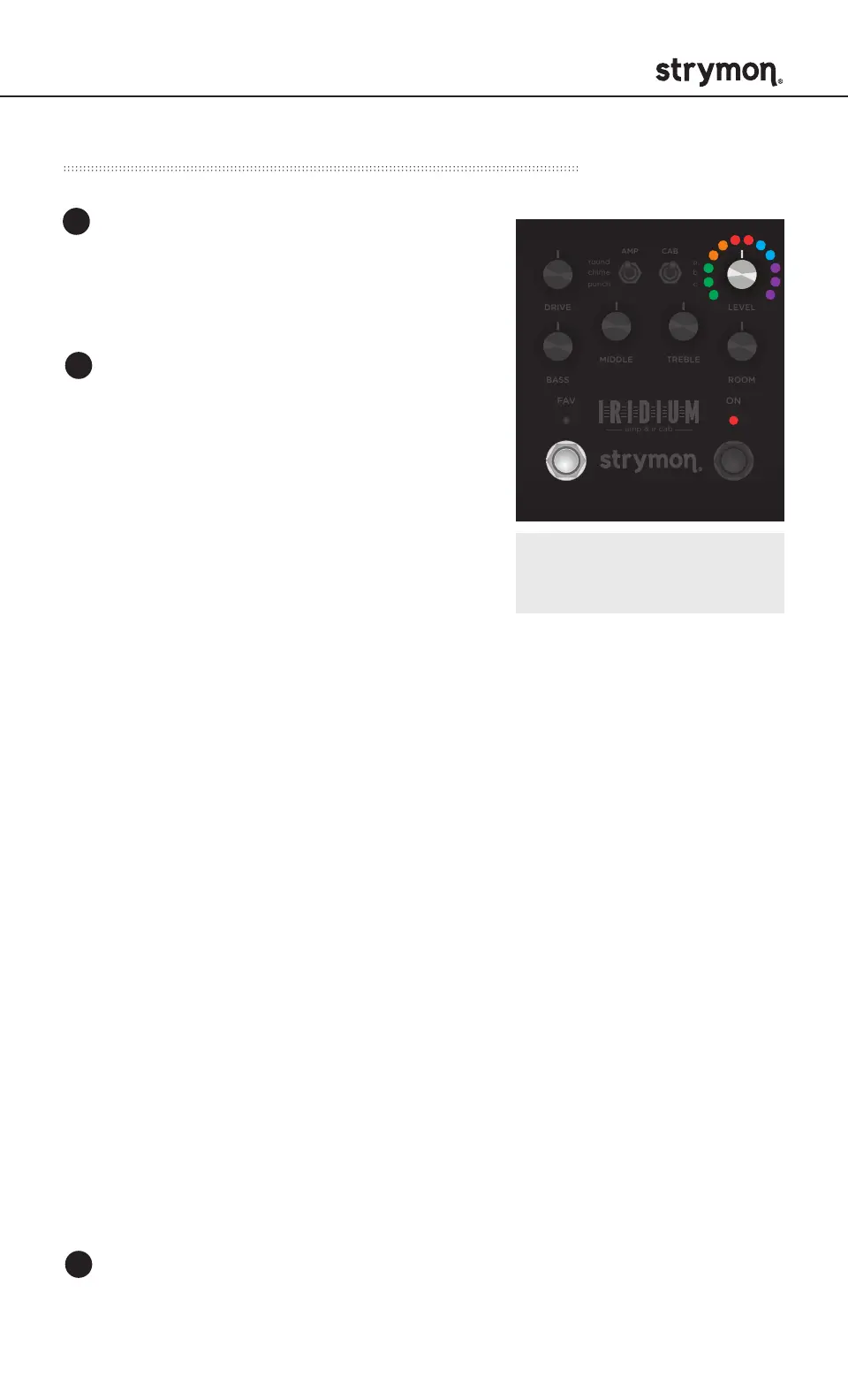
Turn the LEVEL knob to select the EXP
Jack functionality. ON LED indicates
status.
Expression - GREEN LED
Connect a TRS expression pedal to
remotely control knob settings.
(See page 19 for configuration details.)
Volume PRE - AMBER (default)
Connect a TRS expression pedal to function as a volume pedal
located before the amp, cab and room.
Volume POST - RED
Connect a TRS expression pedal to function as a volume pedal
located after the amp and cab, but before the room.
Digital - BLUE
• Connect a MultiSwitch Plus to remotely select three (3) presets.
(See page 21 for configuration details.)
• Connect a MIDI EXP cable or MIDI > TRS interface to access 300
presets and remotely control patch parameters via MIDI.
(See page 23 for configuration details.)
External Favorite - PURPLE
Connect a MiniSwitch to toggle the on-board Favorite setting
on and off remotely. The on-board FAV switch is disabled when
External Favorite EXP mode is selected and a MiniSwitch is
connected to the EXP jack.
(See page 18 for configuration details.)
Power Up Modes - EXP Jack Options
NOTE: All Power Up functions
persist through power cycles.
Press and hold the FAV footswitch
while connecting power to the pedal.
Once both LEDs flash, release the
footswitch.
1
2
3
Press the ON or FAV footswitch to exit and store the EXP Jack setting.



 To Next Page