IRIDIUM - Amp & IR Cab
pg 24
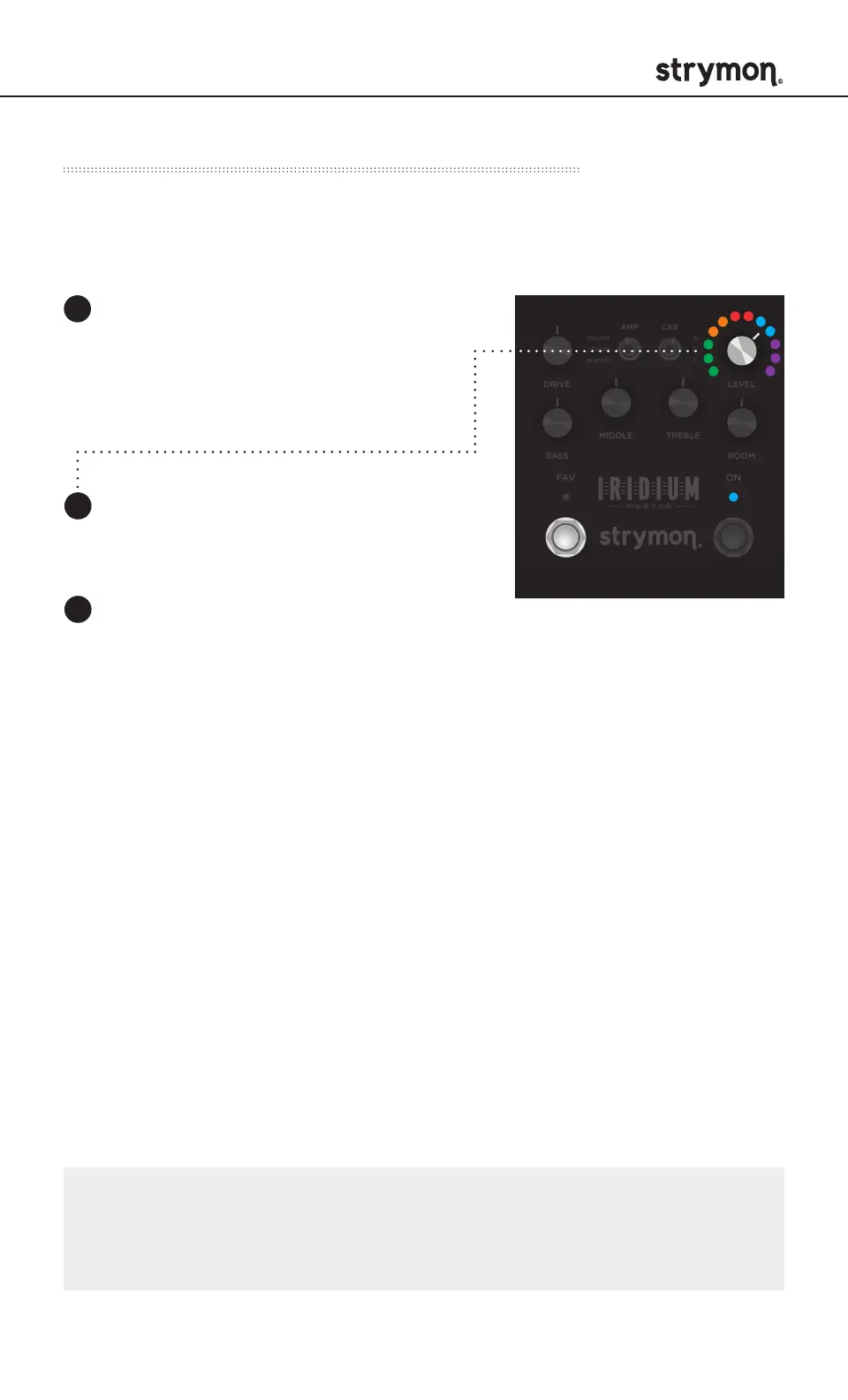
Turn the LEVEL knob until the ON
LED is BLUE.
STEREO
MONO
IN OUT L OUT R EXP
SUM
USB
CABAMP
ROOM
TREBLE
BASS
FAV ON
DRIVE LEVEL
a
b
c
amp & ir cab
MIDDLE
round
chime
punch
ON
FAV
LEVEL
Press and hold the FAV
footswitch while connecting
power to the pedal. Once
both LEDs flash, release the
footswitch.
1
2
3
Press the ON or FAV footswitch to
exit and store the EXP Jack setting.
NOTE: If you are only sending data to Iridium – the most common
configuration – the MIDI Output mode must be set to OFF.
(See page 23 for details on configuring the MIDI Output Mode.)
Configuring Iridium to Use MIDI (cont.)
Step 1 – Set EXP to Digital Mode



 To Next Page