2-18 Keys and doors
! Disabling functions
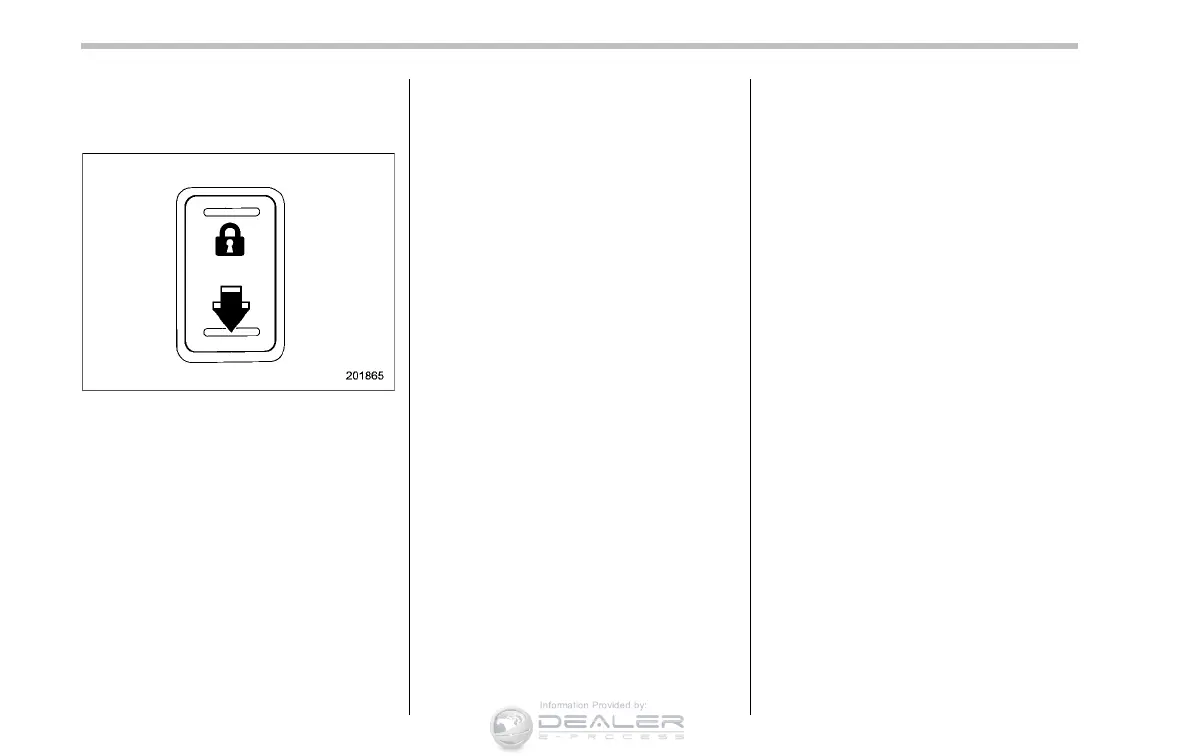
1. Sit in the driver’s seat, and close the
door.
2. Push the rear side (unlock side) of the
power door locking switch.
3. Within 5 seconds after step 2 is
performed, open the driver’s door.
4. Within 5 seconds after step 3 is
performed, push the rear side (unlock
side) of the power door locking switch
twice while the door is open.
5. Within 30 second s after step 4 is
performed, close and open the driver’s
door twice.
6. Within 30 second s after step 5 is
performed, push the rear side (unlock
side) of the power door locking switch
twice while the door is open.
7. Within 30 seconds after step 6 is
performed, close and open the driver’s
door once.
8. Within 5 seconds a fter step 7 is
performed, close the door. A chirp sound
will be heard, and the functions are
disabled.
NOTE
In steps 4 and 6, press the power door
locking switch slowly. If the switch is
pressed quickly, the functions may not
be disabled.
! Enabling functions
When the procedure to disable the func-
tions is performed again, the functions are
enabled.
& When access key does not
operate properly
Refer to “Access key – if access key does
not operate properly” F9-20.
& Replacing battery of access
key
Refer to “Replacing battery of access key”
F11-54.
& Replacing access key
Access keys can be replaced at SUBARU
dealers. For more details, contact a
SUBARU dealer.













 To Next Page