3-38 Instruments and controls
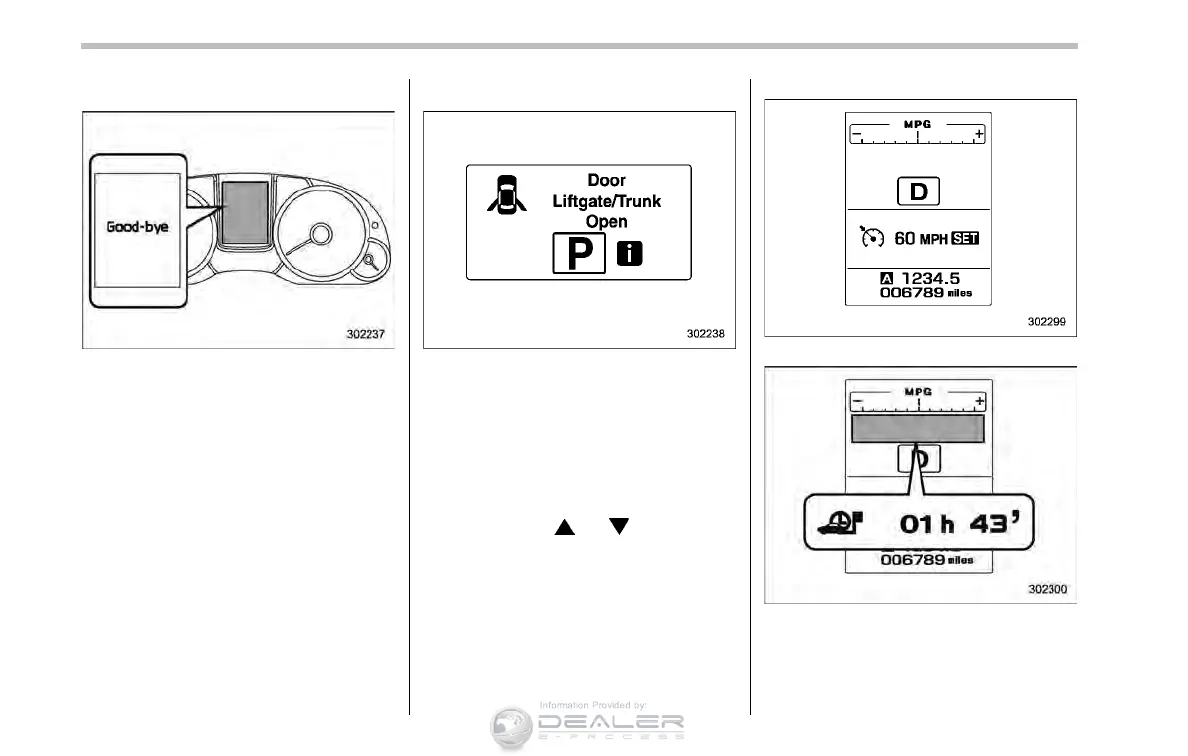
& Good-bye screen
When the ignition switch is turned to the
“LOCK”/“OFF” position, the “Good-b ye”
screen will appear for approximately 3
seconds.
& Warning screen
Example of warning
If there is a warning message or a
maintenance notification, it will appear for
approximately 3 seconds. Take the appro-
priate actions based on the messages
indicated.
& Basic screens
By operating the “ ” or “ ” switch on the
steering wheel, you can change the
screen that is always displayed.
Default screen:
Journey time screen:
This screen displays the journey time (the
time that has elapsed since the ignition switch
was turned to the “ON” position).













 To Next Page