& Selection from list (only
when connecting USB sto-
rage device) (type B audio)
“TUNE” dial
“BACK” button
You can select folder/track/file(s) from the
list. Turn and press the “TUNE” dial to
select the folder/track/file. To return to the
upper layer, press the “BACK” button.
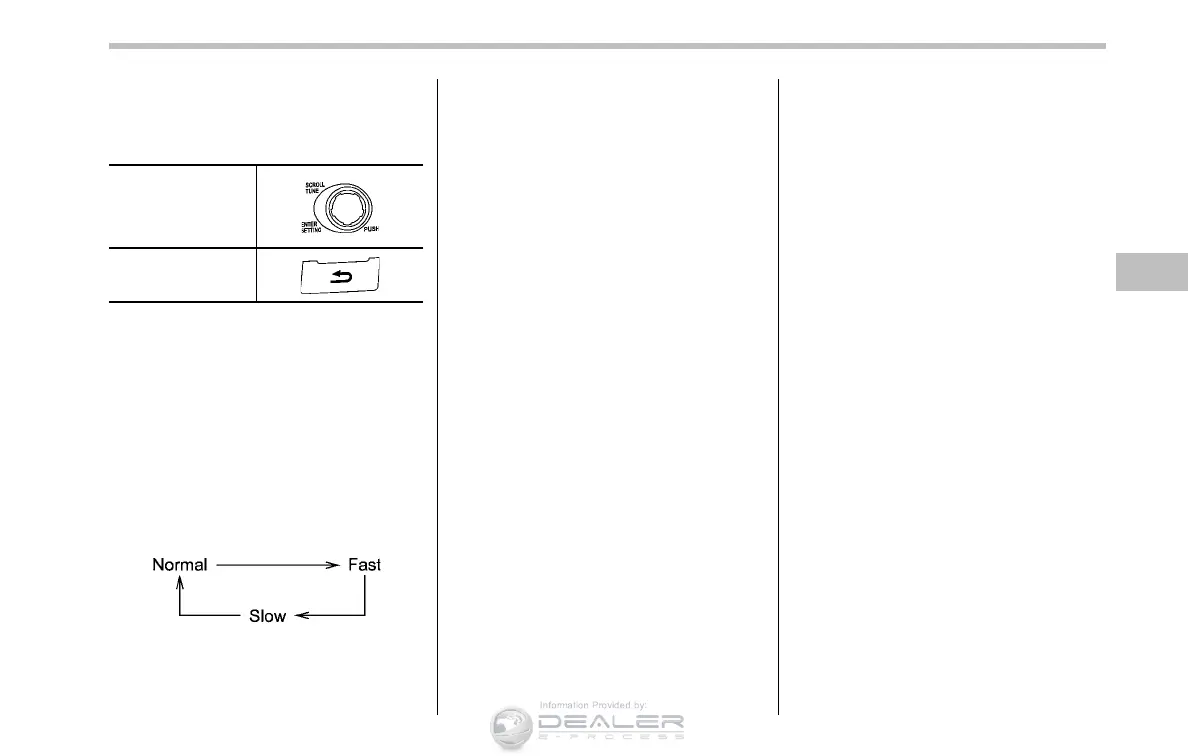
& Setting the playing speed
(only when the audiobook is
playing) (type B audio)
Each time you briefly press the “RPT”
button while the audiobook is playing, the
playing speed changes in the following
sequence.
& When the following mes-
sages are displayed
If one of the following messages is
displayed while connecting the USB sto-
rage device/iPod
®
, determine the cause
based on the following information. If you
cannot clear those messages, please
contact your SUBARU dealer.
Audio 5-35
– CONTINUED –













 To Next Page