User’s Manual - 24
Copyright(c) 2005, Sun Microsystems, Inc. All rights reserved.
On-Screen Display
The Highlight Zone function can be optimized for moving images.
Use it when viewing moving images on the screen.
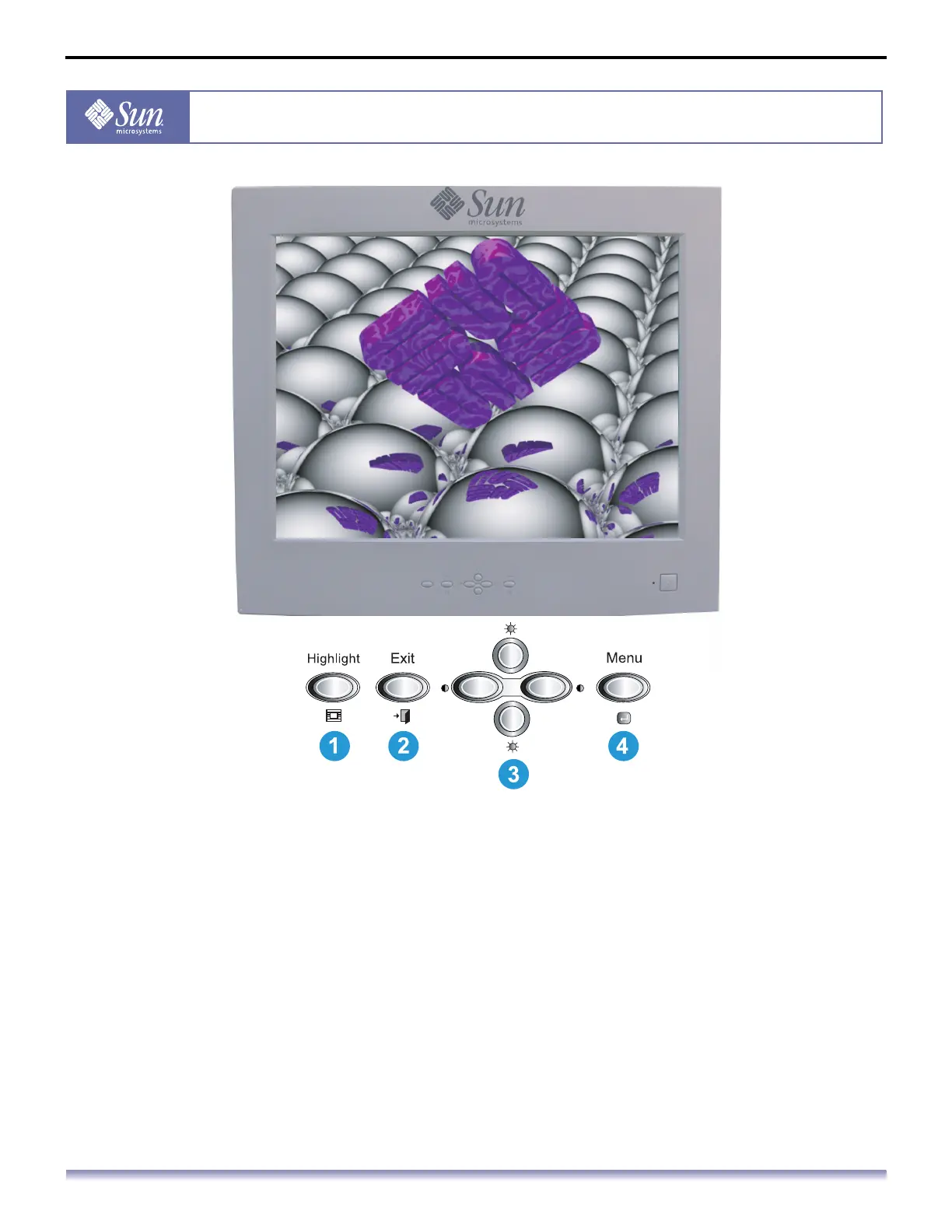
1. The Highlight Zone enhances video on certain areas of the screen by providing a clearer
picture of video or photo images.
2. Use this button to Exit the active menu or the OSD (On-Screen Display).
3. These buttons allow you to highlight and adjust items in the menu.
4. Use this button to open the OSD and activate a highlighted menu item.



 To Next Page