User’s Manual - 23
Copyright(c) 2005, Sun Microsystems, Inc. All rights reserved.
On-Screen Display
OSD How to adjust
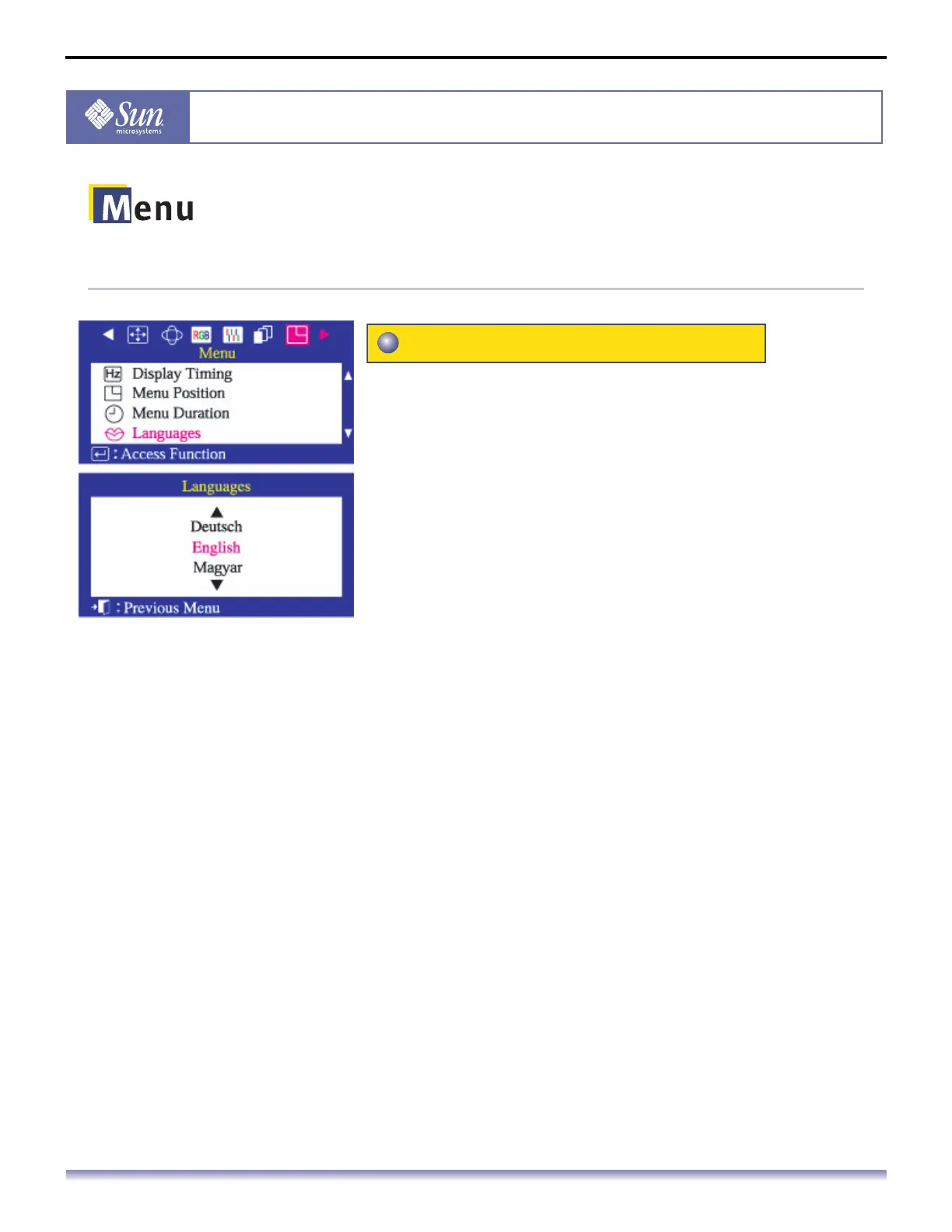
Follow these steps to change the language used in the
menu. You can choose one of ten languages. English,
German, French, Italian, Portuguese, Spanish, Swedish,
Russian, Polish, or Magyar.
The language chosen affects only the language of the
OSD. It has no effect on any software running on the
computer.
1. Push the Menu button.
2. Push the button or button until the Menu screen is
displayed.
3. Push the button or button to select Language.
4. Push the Menu button to open the Language selection
screen.
5. Use the button or button to select the language you
would like to use.
Languages



 To Next Page