EM6910 Café Series Espresso Machine Issue: A Page 15 of 48
• The user is able to discontinue the manual, one cup, and two cups
pouring process can be stopped by simply activating either Manual,
One cup, Two cups and Memory buttons. Doing so the unit shall go
back into ready mode.
• Memory Setting Function
The memory function can be cancelled by pressing “Memory” button
when the unit is in the memory setting function without activating one
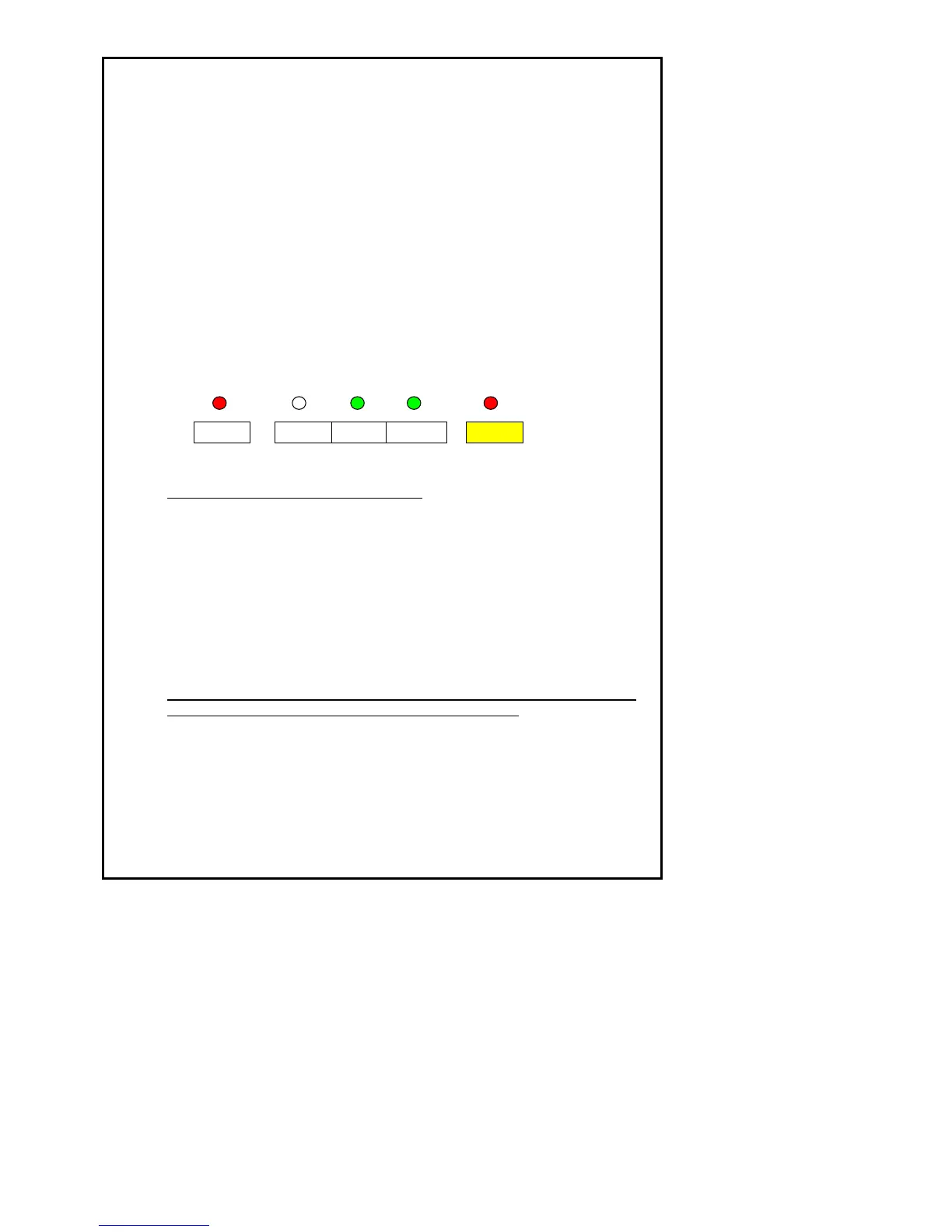
cup or two cup function. Refer to figure 7 for LED pattern illumination.
Memory function shall be cancelled automatically after a 15 second no
button activation period.
There shall be no minimum limit for both one cup and two cup memory
setting.
Figure 7
Refer below to Factory Setting Volumes:
Factory memory setting volumes for brewed coffee volumes is as follows: -
• One cup: 30 ±2.5g
• Two cups: 60g ± 5g
• Maximum brew coffee volume difference between two cups: 2.5mL.
Factory memory setting volumes for water only volumes is as follows: -
• One cup: 55g ±2.5g
• Two cups: 110g±5g
• Maximum water volume difference between two cups: 2.5mL.
The brewed coffee volume of one cup and two cups setting shall be able
to be set by user by following the following procedure: -
• Press memory setting button once to start the memory setting process.
Refer to figure 8 for LED pattern illumination.











 To Next Page