SunFounder 3in1 Kit
Code
Note:
• Open the 5.5.use_internal_library.ino file under the path of 3in1-kit\learning_project\5.5.
use_internal_library.
• Or copy this code into Arduino IDE.
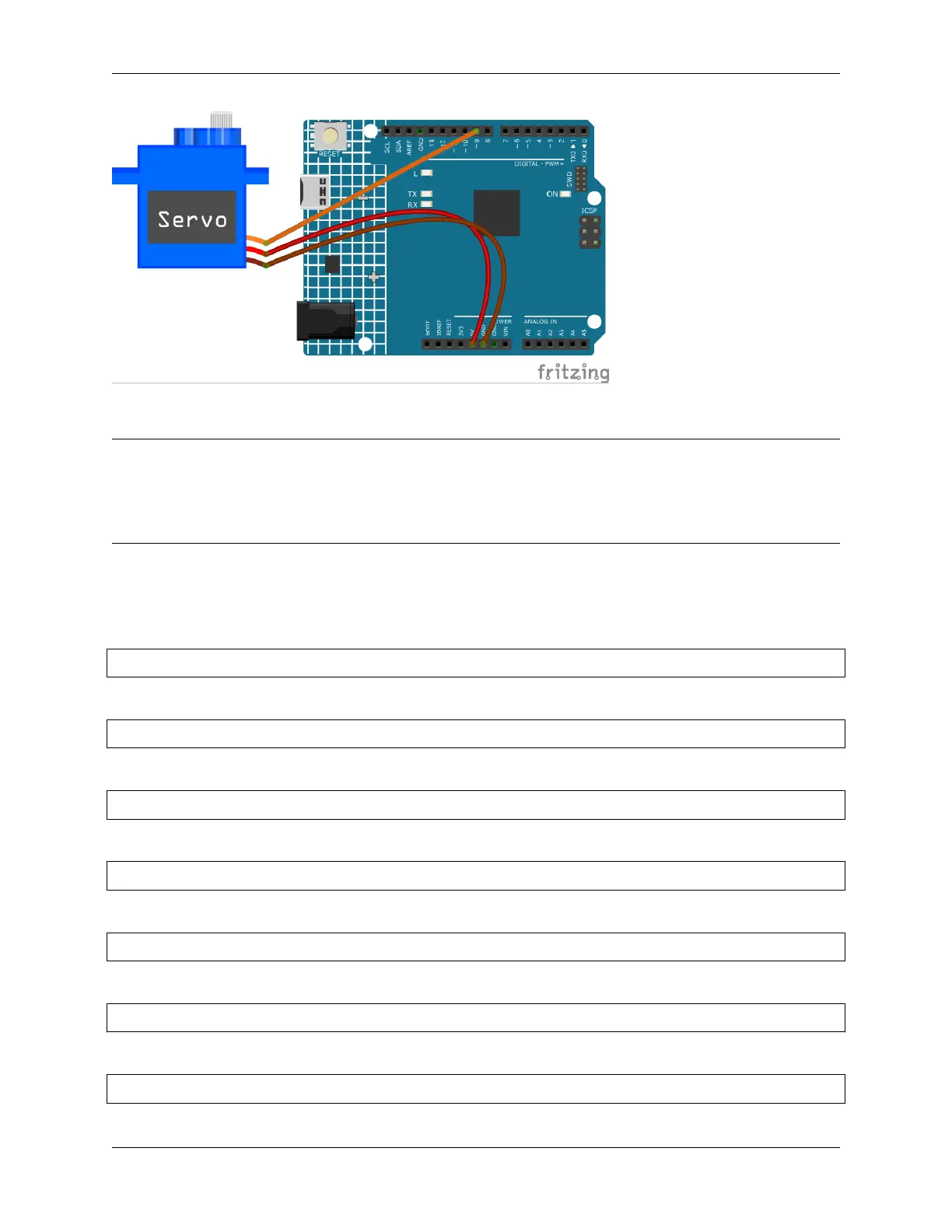
Once you finish uploading the codes to the R4 board, you can see the servo arm rotating in the range 0°~180°.
How it works?
By calling the library Servo.h, you can drive the servo easily.
#include <Servo.h>
Library Functions:
Servo
Create Servo object to control a servo.
uint8_t attach(int pin);
Call pinMode() to turn a pin into a servo driver and return 0 on failure.
void detach();
Release a pin from servo driving.
void write(int value);
Set the angle of the servo in degrees, 0 to 180.
int read();
Return that value set with the last write().
bool attached();
4.5. 5. More Syntax 147



 To Next Page