SunFounder 3in1 Kit
Code
Note:
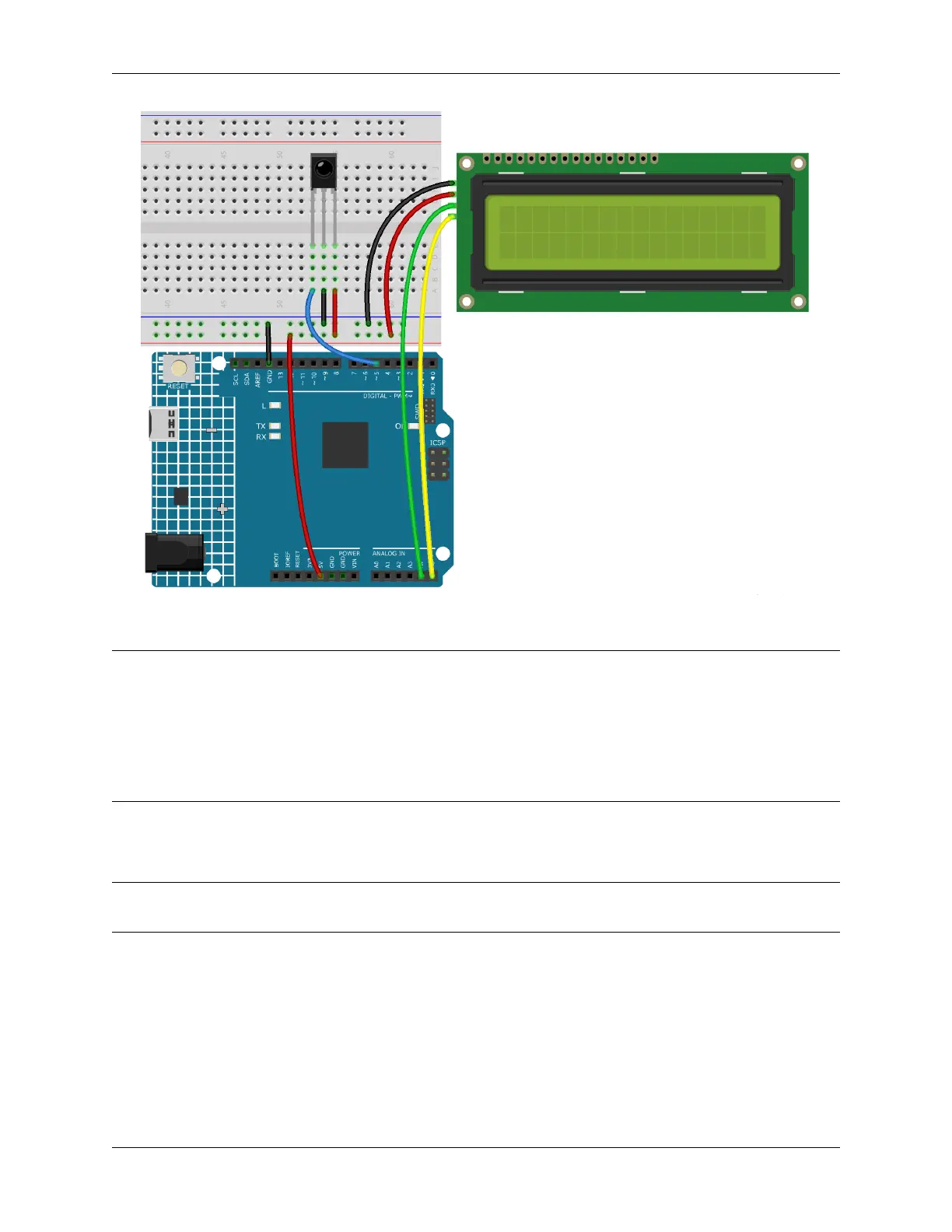
• You can open the file 6.6.guess_number.ino under the path of 3in1-kit\learning_project\6.6.
guess_number directly.
• Or copy this code into Arduino IDE.
• The LiquidCrystal I2C and IRremote libraries are used here, you can install them from the Library
Manager.
After the code is successfully uploaded, the welcome characters will appear on the LCD1602. Now press the number
according to the range prompt on the screen, the display will get smaller and smaller unless you guess that lucky number.
Note: If the code and wiring are fine, but the LCD still does not display content, you can turn the potentiometer on
the back to increase the contrast.
How it works?
In order to make the number guessing game become vivid and funny, we need to achieve the following functions:
1. The lucky number will be displayed when we start and reset the game, and the number range prompt is reset to
0 ~ 99.
2. LCD will display the number being input and the number range prompt.
3. After inputting two digits, there appears result judgment automatically.
216 Chapter 4. Basic Projects



 To Next Page