SunFounder 3in1 Kit
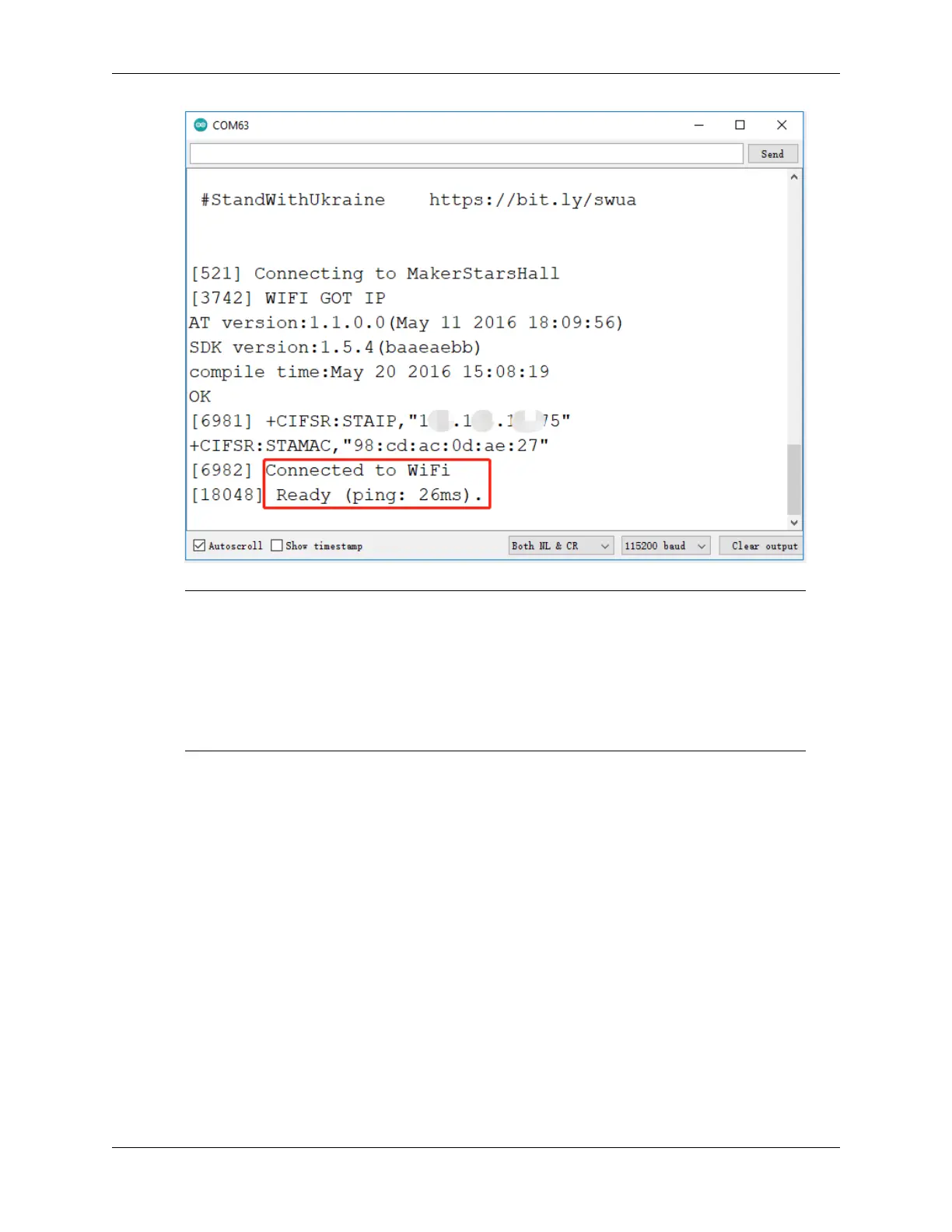
Note: If the message ESP is not responding appears when you connect, please follow these
steps.
• Make sure the 9V battery is plugged in.
• Reset the ESP8266 module by connecting the pin RST to GND for 1 second, then unplug it.
• Press the reset button on the R4 board.
Sometimes, you may need to repeat the above operation 3-5 times, please be patient.
5. Now unplug the USB cable and power the cart with a 9V battery alone, then wait for the LED to light up,
representing that the car is connected to Blynk.
6. Open Blynk on your phone and you can use the Joystick widget to control the movement of the car.
6.8. 8. IoT Car 329



 To Next Page