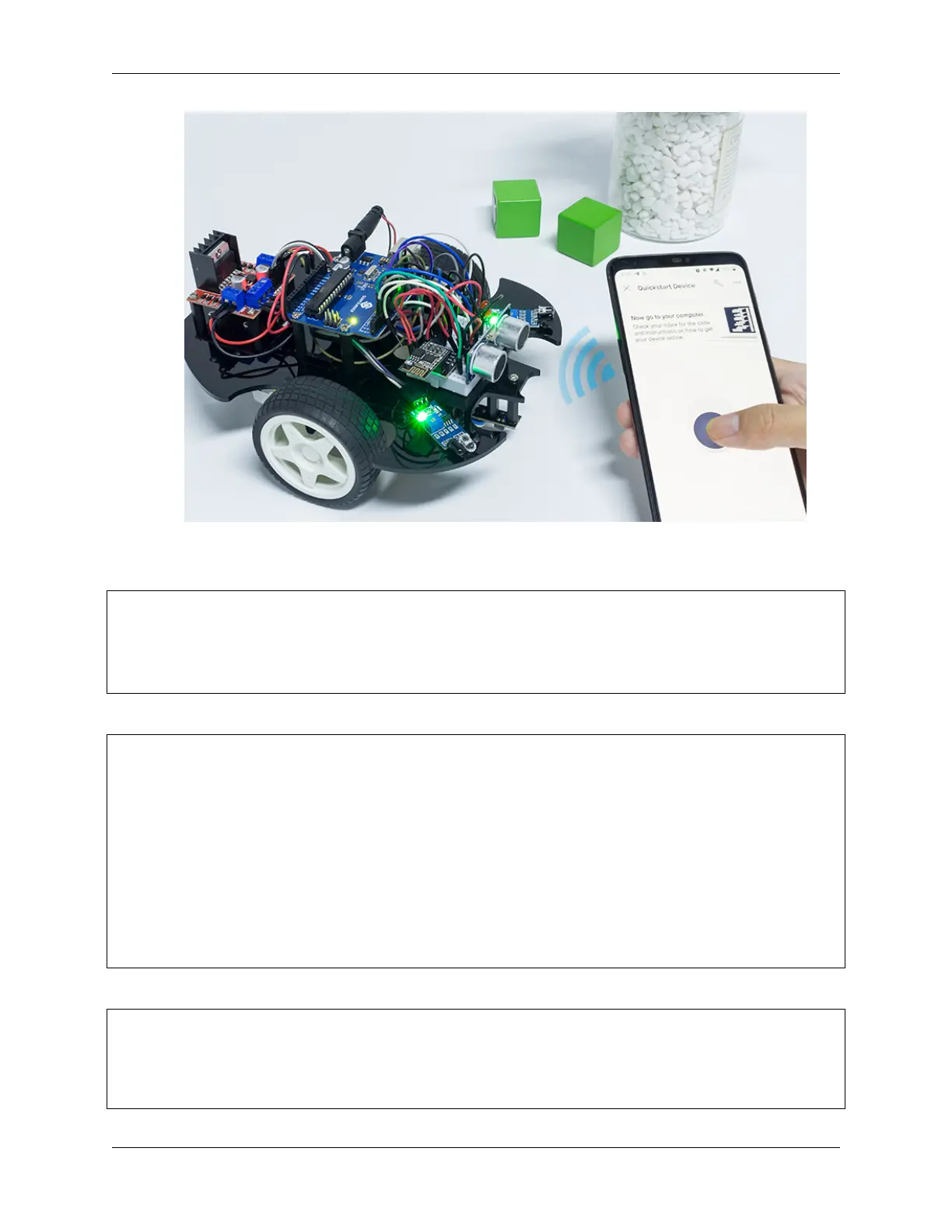
SunFounder 3in1 Kit
How it works?
These functions are used to control the movement of the car.
void moveForward(int speed) {...}
void moveBackward(int speed) {...}
void turnRight(int speed) {...}
void turnLeft(int speed) {...}
void stopMove() {...}
The IoT section reads the values of the Joystick widget and assigns them to the variables Xvalue and Yvalue.
int Xvalue = 0;
int Yvalue = 0;
BLYNK_WRITE(V9)
{
Xvalue = param.asInt();
}
BLYNK_WRITE(V10)
{
Yvalue = param.asInt();
}
At loop(), make the car perform different actions based on Xvalue and Yvalue.
if (Yvalue >= 5) {
moveForward(255);
} else if (Yvalue <= -5) {
moveBackward(255);
} else if (Xvalue >= 5) {
(continues on next page)
330 Chapter 6. IoT Projects



 To Next Page