SunFounder 3in1 Kit
– esptool.exe: This is a command-line utility for Windows.
– install_r3.bat: This is the command package for Windows system.
– install_r4.bat: Same as install_r3.bat, but dedicated to UNO R4 board.
5. Open a terminal and use the cd command to go into the firmware folder you just downloaded, then run the
following command to erase the existing firmware and re-burn the new firmware.
python3 -m esptool --chip esp8266 --before default_reset erase_flash
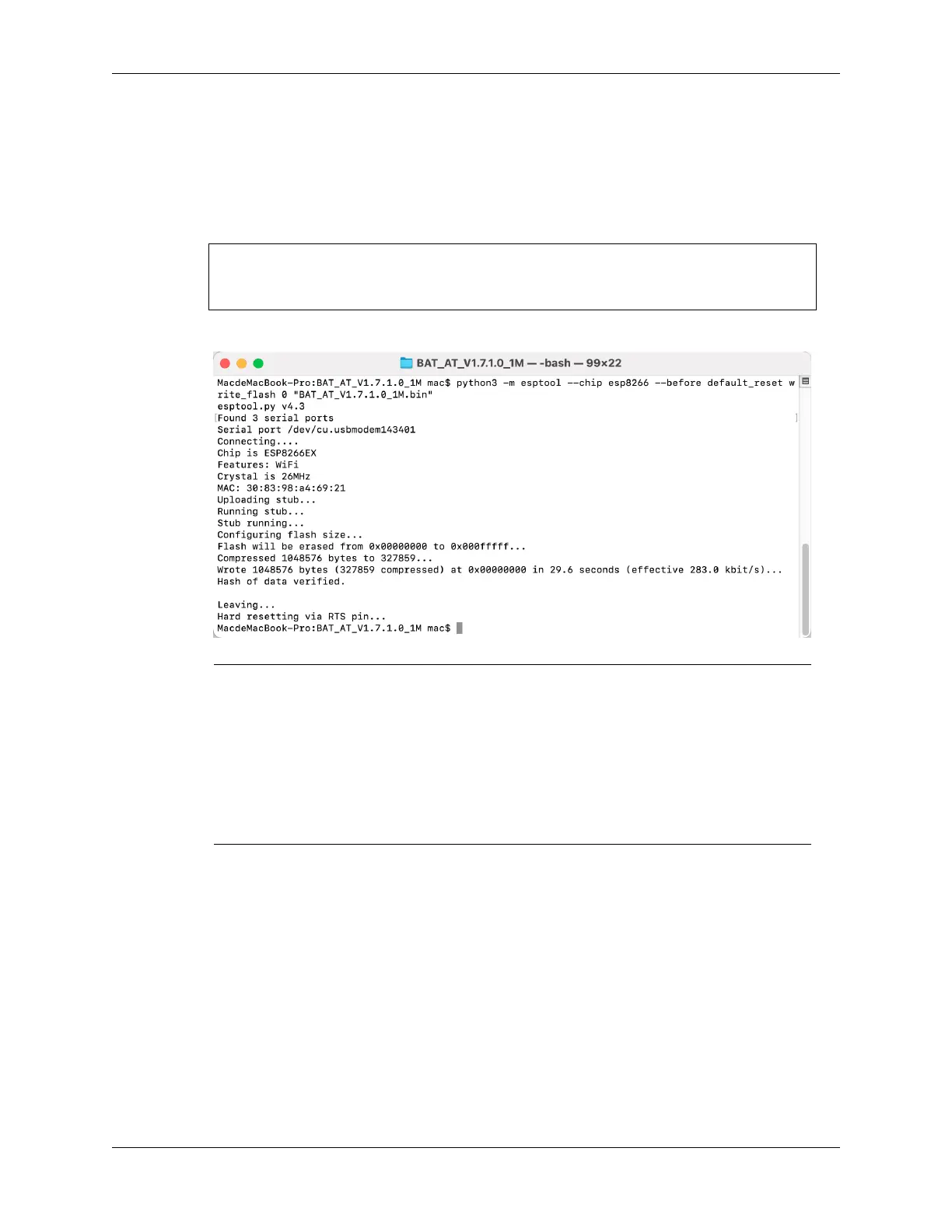
python3 -m esptool --chip esp8266 --before default_reset write_flash 0
˓→"BAT_AT_V1.7.1.0_1M.bin"
6. If you see the following prompt, the firmware has been installed successfully.
Note: If the burn-in fails, please check the following points.
– Reset the ESP8266 module by inserting the RST on the ESP8266 Adapter to GND and then
unplugging it.
– Check if the wiring is correct.
– Whether the computer has recognized your board properly, and make sure the port is not
occupied.
– Reopen the install.bat file.
3. Test
1. On the basis of the original wiring, connect IO1 to 3V3.
342 Chapter 7. FAQ



 To Next Page