SunFounder 3in1 Kit
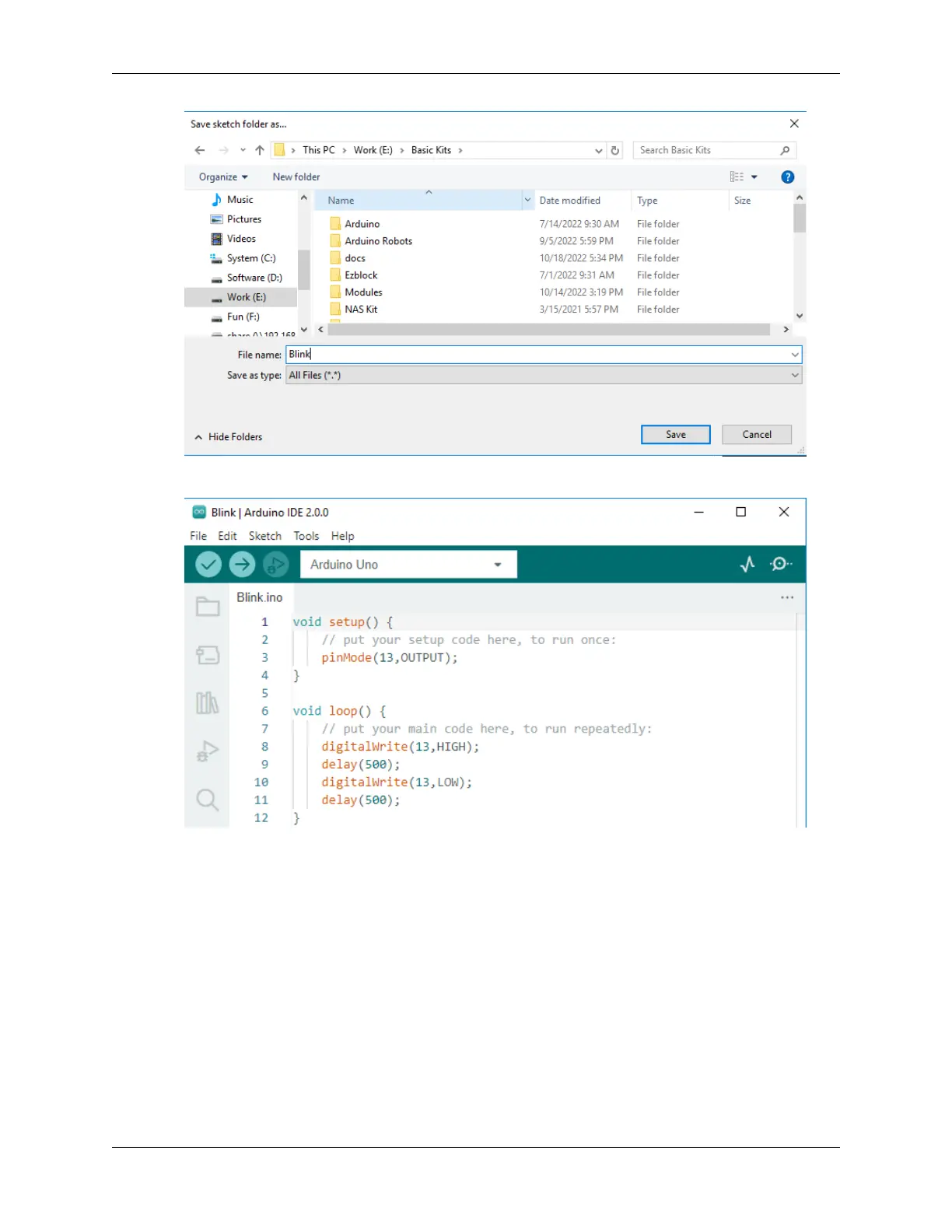
4. After successful saving, you will see that the name in the Arduino IDE has been updated.
Please continue with the next section to learn how to upload this created sketch to your Arduino board.
2.3.4 How to upload Sketch to the Board?
In this section, you will learn how to upload the sketch created previously to the Arduino board, as well as learn about
some considerations.
1. Choose Board and port
Arduino development boards usually come with a USB cable. You can use it to connect the board to your computer.
Select the correct Board and Port in the Arduino IDE. Normally, Arduino boards are recognized automatically by the
computer and assigned a port, so you can select it here.
2.3. How to build an Arduino Project 63



 To Next Page