SunFounder 3in1 Kit
These sketch files have a regular temporary name, from which you can tell the date the file was created.
sketch_oct14a.ino means October 14th first sketch, .ino is the file format of this sketch.
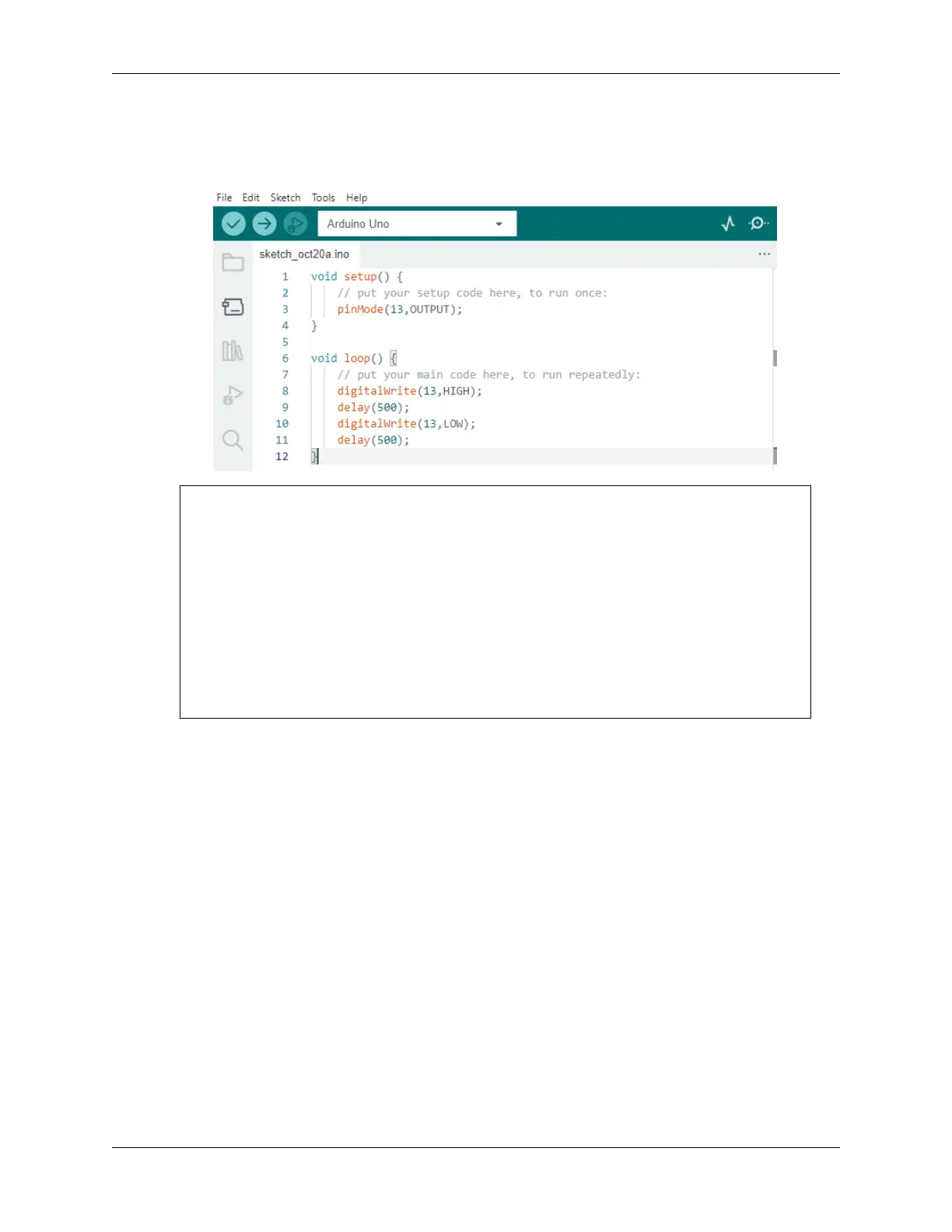
2. Now let’s try to create a new sketch. Copy the following code into the Arduino IDE to replace the original code.
void setup() {
// put your setup code here, to run once:
pinMode(13,OUTPUT);
}
void loop() {
// put your main code here, to run repeatedly:
digitalWrite(13,HIGH);
delay(500);
digitalWrite(13,LOW);
delay(500);
}
3. Press Ctrl+S or click File -> Save. The Sketch is saved in: C:\Users\{your_user}\Documents\Arduino
by default, you can rename it or find a new path to save it.
62 Chapter 2. Get Started with Arduino



 To Next Page