83
- - End
10.6 Overview
10.6.1 General Information
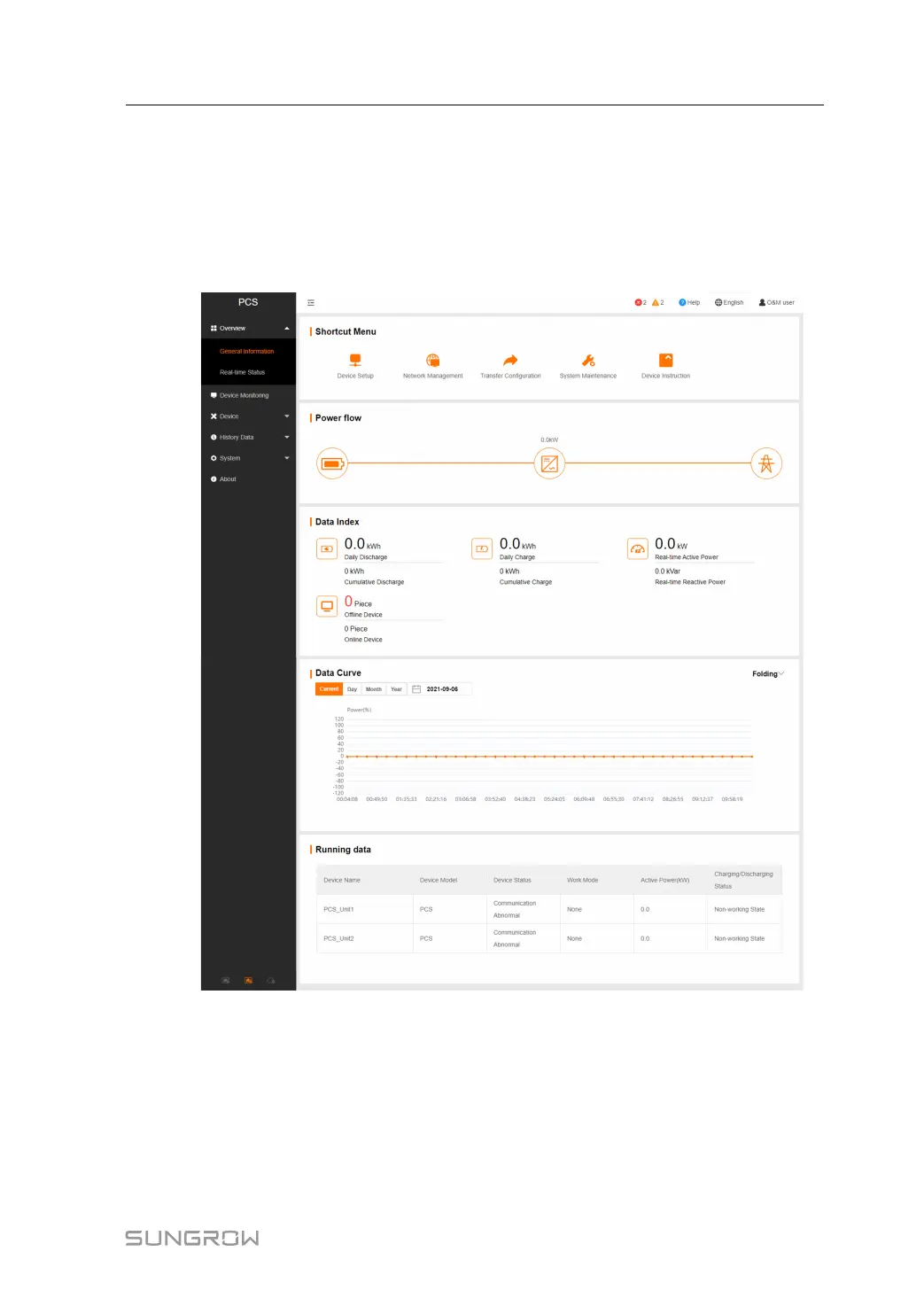
Click [Overview]→ [General Information] to enter the corresponding interface.
Shotcut Menu
Device Setup: devices can be automatically searched and added. Click the menu to add, de-
lete, modify, and view the device. Perform auto search to search devices meet conditions
and to automatically allocate addresses. Refer to the chapter “[Device List]”.
Network Management: set Ethernet parameters. Refer to the chapter “[Port Parameter]”.
Transfer Configuration: transfer the data connected by the system to the background. Refer
to the chapter “[Transfer Configuration]”.
User Manual 10 Web Operation



 To Next Page