24
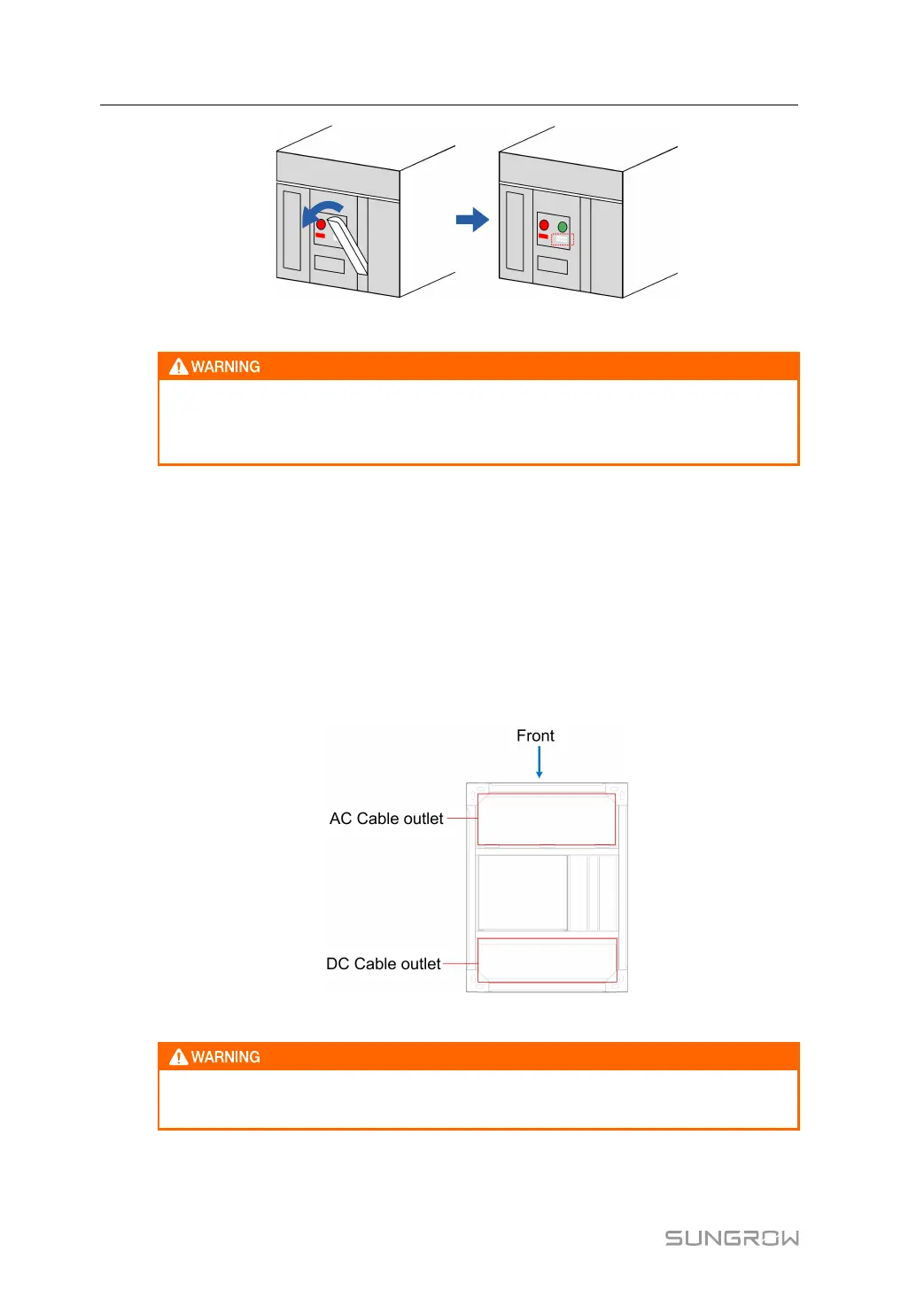
After the breaker is switched on, the breaker panel displays CLOSED.
Never manually connect the AC circuit breaker when the AC side carries voltage.
Never manually connect the DC load switch when the DC side carries voltage.
Avoid faults and accidents caused by DC side voltage impact.
Switch off
Press the Push OFF button on the breaker panel to switch off the breaker.
After the breaker is switched off, the breaker panel displays OPEN.
3.3.4 Cable Inlet/Outlet Design
For a PCS with standard configuration, all the cables come into or go out of the cabinet
through the bottom of the PCS. The bottom cable entries are designed according to onsite
conditions.
Cable entries are shown in the following figure.
figure 3-8 Cable entries on the bottom of the PCS
The AC/DC cover plate cannot be discarded during cable wiring and must be rein-
stalled to ensure protection for internal equipment.
3.3.5 Remote control function
Communication Interface
3 Product Description User Manual



 To Next Page