10
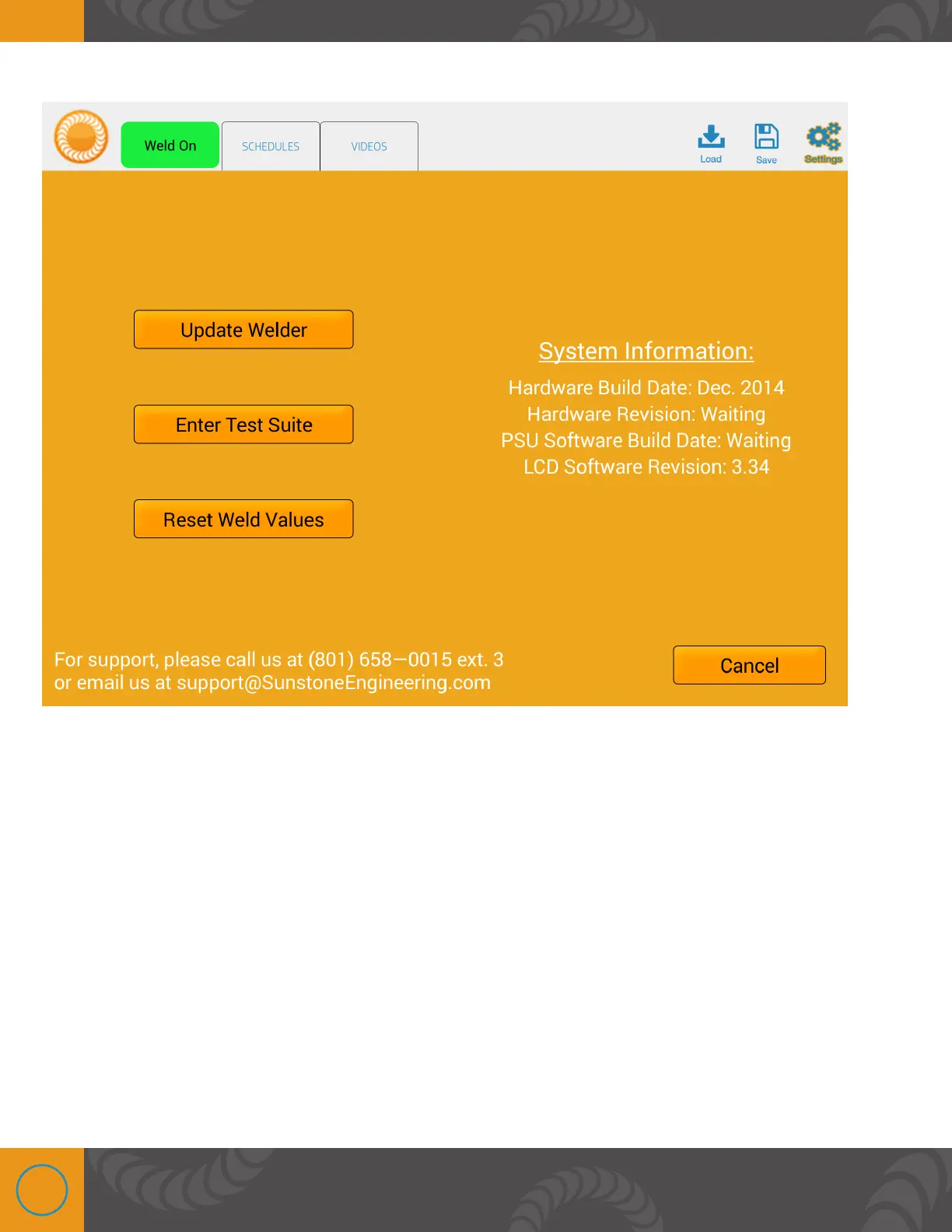
Settings Button
UPDATE WELDER
As software updates become available, user can download them from the resource page on the
Sunstone website. Once the update is downloaded and place in th root directory of the USB thumb
drive follow the steps below.
1. Insert the USB stick into the USB slot on the side of the welder.
2. Touch the update welder button.
ENTER TEST SUITE
is is used for troubleshooting for authorized representatives.
RESET WELD VALUES
is will reset all welder settings back to their factory default settings. is will not affect saved
settings.















 To Next Page