11
Save Button
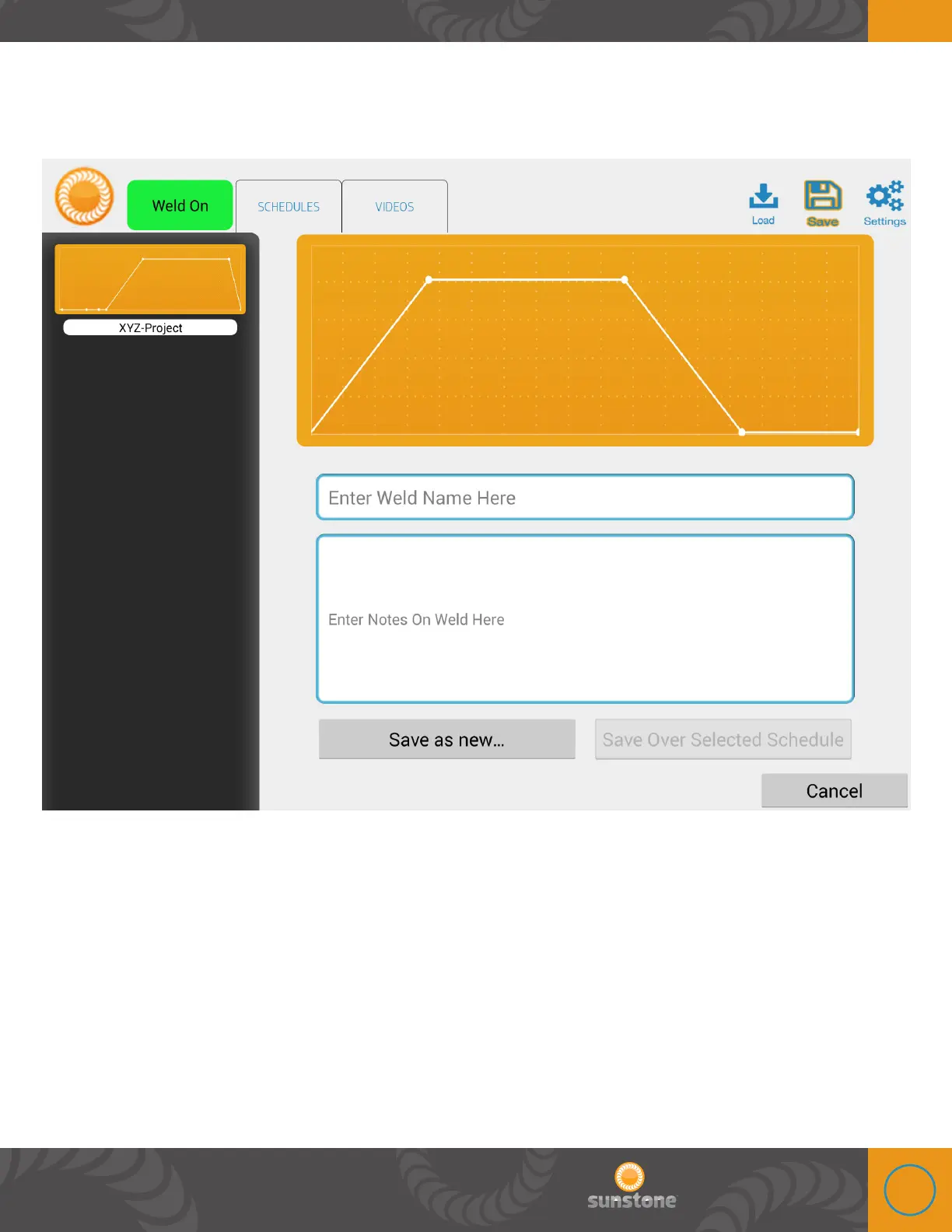
Touch the Save Button to create a custom weld parameter. is feature will save all the current
weld parameter settings. After touching the save button follow these steps:
1. Type in a name for the new setting or choose an existing saved setting on the left and it will
be replaced with the current setting.
2. Insert any notes that would be useful to remember when returning to this custom setting.
3. Save as new or Save Over Selected Schedule.















 To Next Page