9
Chapter 3: Interface
Operational Controls
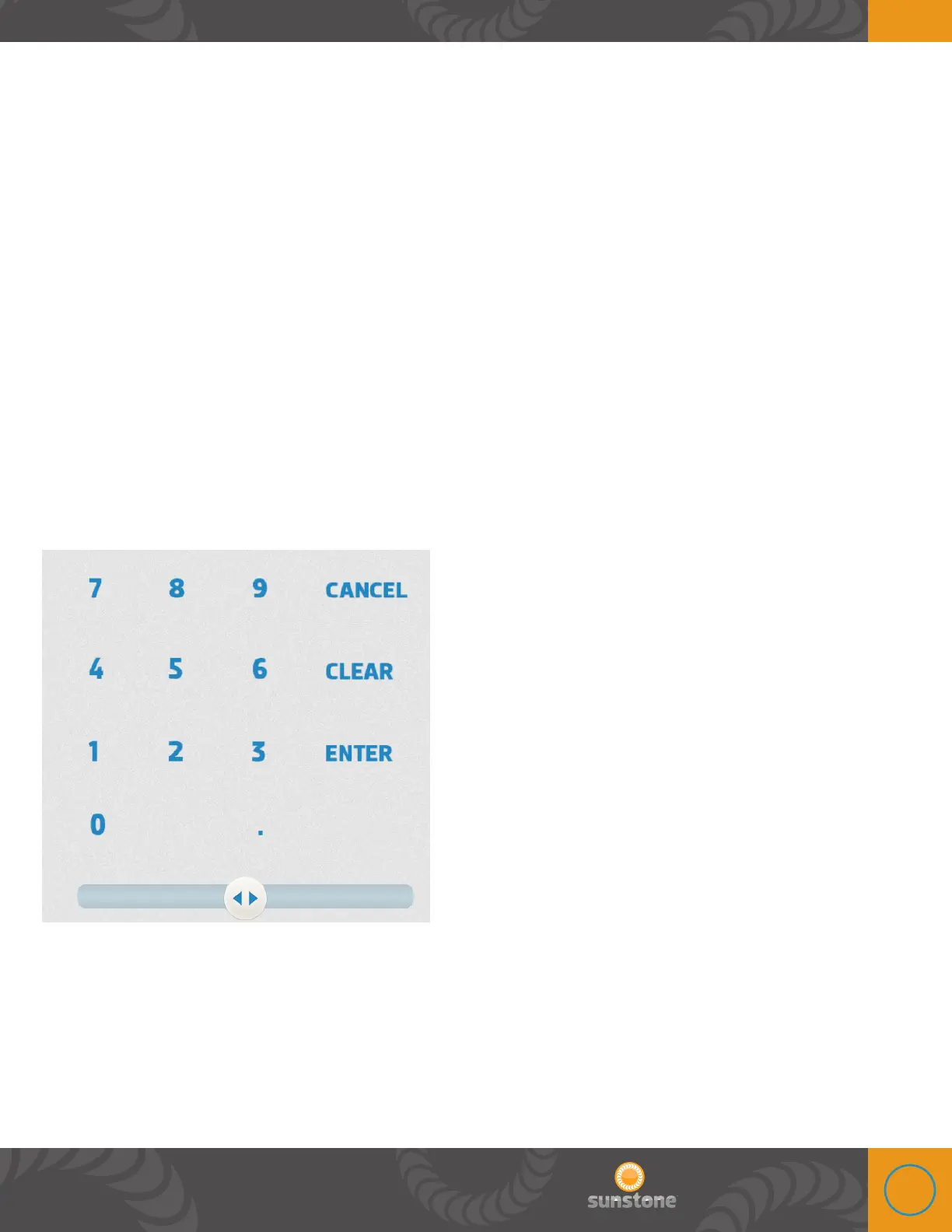
NUMERIC KEYPAD AND SLIDER BAR
e Linear DC touch screen display features a numeric keypad with a build in slider bar for easy
setting of weld parameters. Users simply touch the weld setting boxes on the display and then
either type in their desired parameter in the numeric keypad or slide their finger on the slider bar
to move the weld parameter value up or down.
e slider bar was designed to react to the speed of the users finger. If the user moves their finger
quickly across the slider bar, the numeric value will increase or decrease rapidly. Conversely, if the
user moves their finger along the slider bar slowly, the numeric value will increase or decrease in
fine increments.















 To Next Page