The following mainly introduces the basic tools used in standard notes. Other tools will be
introduced in the description of the relevant functions. (Note: Illustrations for functions
introduced in the user manual mainly use the left toolbar as an example.)
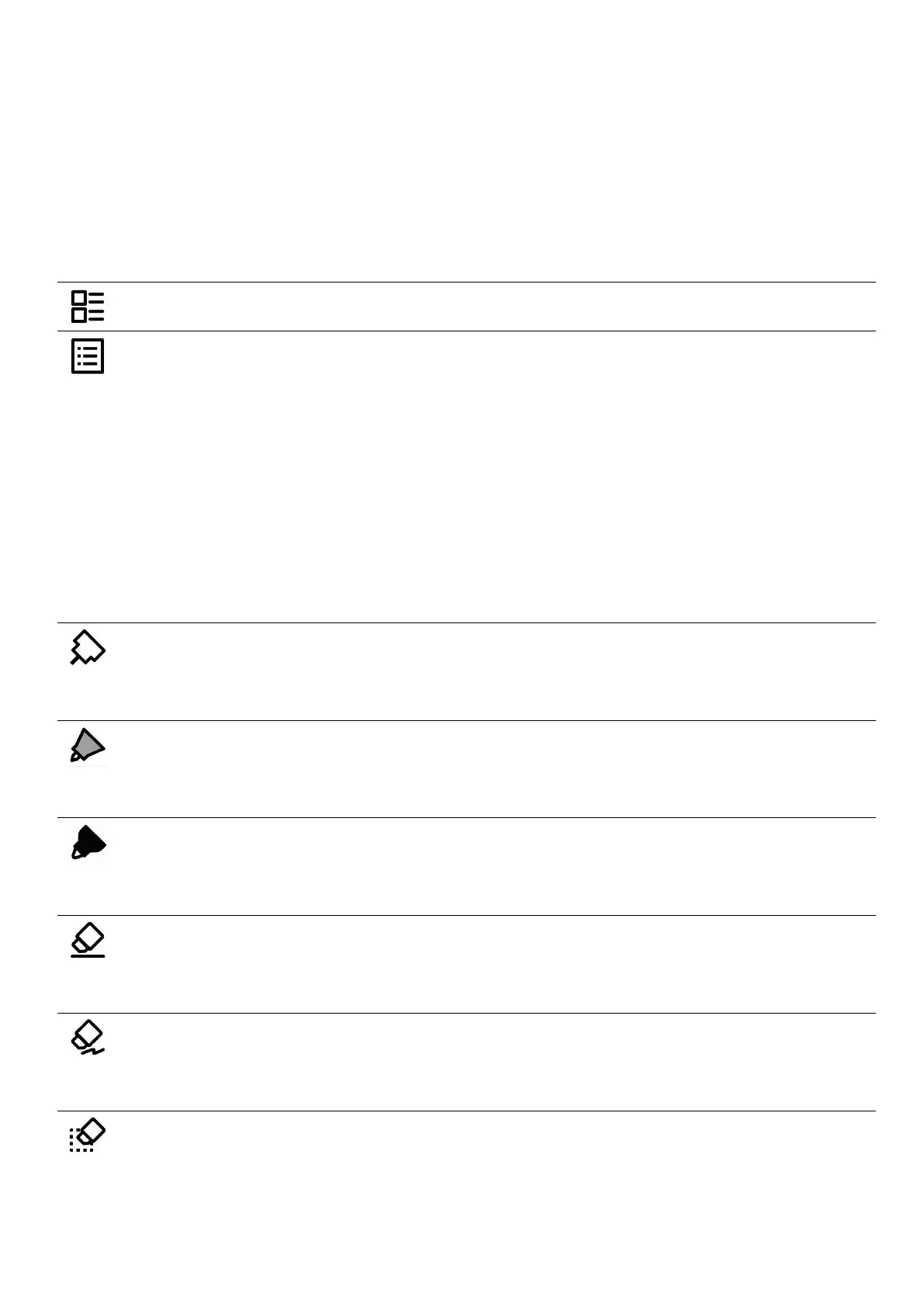
Tap to go back to “ Files ”
The navigation window in notes consist of keywords, headings
and stars, which can help you to search related notes quickly.
The navigation window in documents include table of
contents, keywords, bookmarks, annotations and stars, which
can help you to reach your target location within a document
quickly.
No special rendering effects. Both the thickness and the
grayscale are optional.
Supports stroke based rendering. Both the thickness and the
grayscale are optional.
Supports fixed rendering. The thickness is non-optional and
the grayscale is optional.
Allows you to erase specific details or parts of your
handwriting. Thickness is optional.
Allows you to erase lines or strokes. Thickness is optional. (This
eraser only applies to real-time recognition notes.)
Allows you to erase the lines or strokes within a specific area
you have circled. (You can also slide the pen tip over the lines



 To Next Page