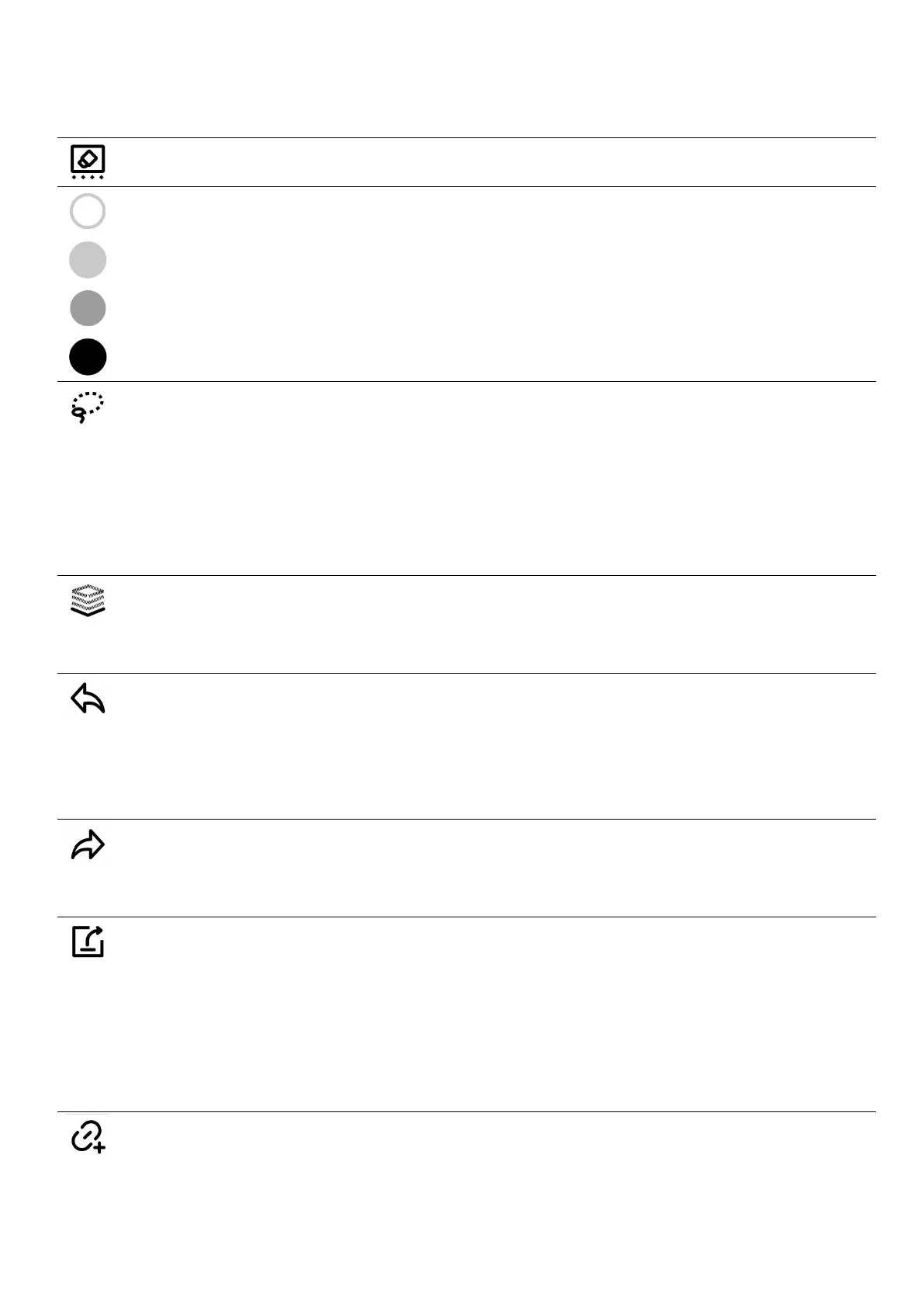
or strokes to quickly erase them.)
Allows you to erase all the handwriting on the current layer.
White
Light grey
Dark grey
Black
You can resize, rotate, move, copy (across pages as well), cut
and delete handwriting you select with the lasso tool, which
you can turn into headings, keywords, calendar events, To-Do
tasks or links.
Layer function is only applicable in note pages,Apart from the
main layer, three more layers can be added
The Undo button can cancel the last 20 handwritten strokes or
erased on the current page, as well as the last 20 layer and
heading actions
The Redo button restores canceled strokes, layer actions and
heading actions
Share via QR code or export note pages in a notebook as
PNG/PDF. It can also be exported as TXT/DOCX.
Export PDF documents in order to see the annotations
applied to the original PDF documents
Add current page or current note/document to Quick Access
list in the sidebar menu



 To Next Page