2. ENGINE DISPLAY
2-7
2.6 Engine Alarms
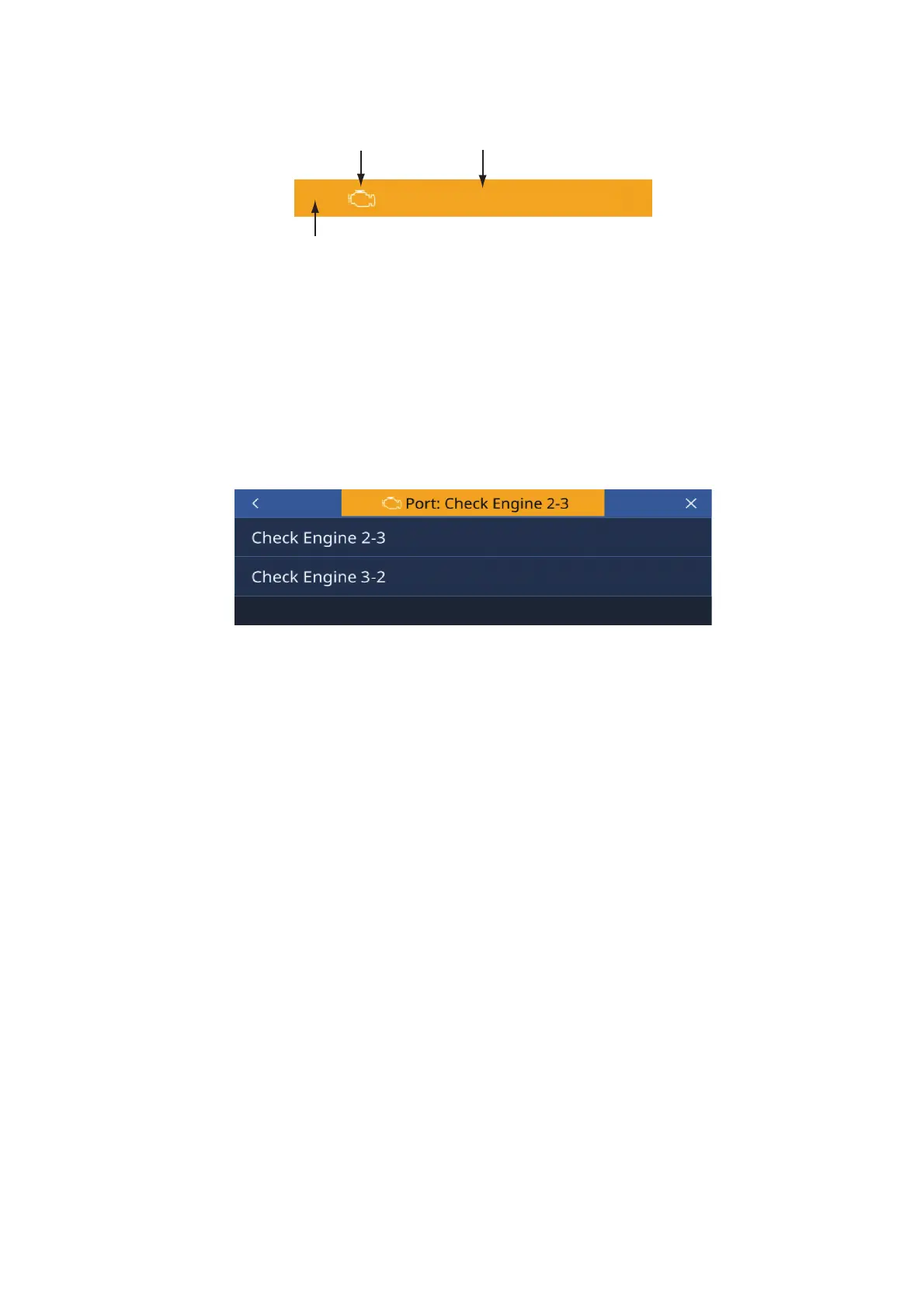
If an alarm occurs, the display will display the caution message and the alarm icon im-
mediately. The caution message clears when any of the Status bar are pressed on the
display. However, the alarm icon is displayed until eliminating the cause. The buzzer
sound also stops when the cause is eliminated.
2.6.1 How to check the Alarm
To check the Alarm, access the [Engine Setup], then tap [Diagnosis] => select the
engine position.
Caution Message
Port:CheckEngine2-3
Alarm Icon
Status bar



 To Next Page