Setup
18
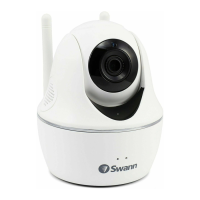
SwannEye IP Camera
7.2.3. Browser options on the Mac
Mode 1: This mode should not be used on the Mac.
Mode 2: Choose Mode 2 for all browsers when run on a Mac-based computer.
Note: If you are nished conguring or monitoring the camera in your browser,
you should close your browser completely to log out and avoid anyone else
gaining access to the camera. Simply closing a browser tab will NOT log you out
of a session. The session will remain open with the current login username and
password allowing the next user to go directly to the camera’s control panel when
they access the camera.



 To Next Page