35
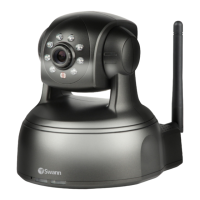
SwannEye IP Camera
Administrator
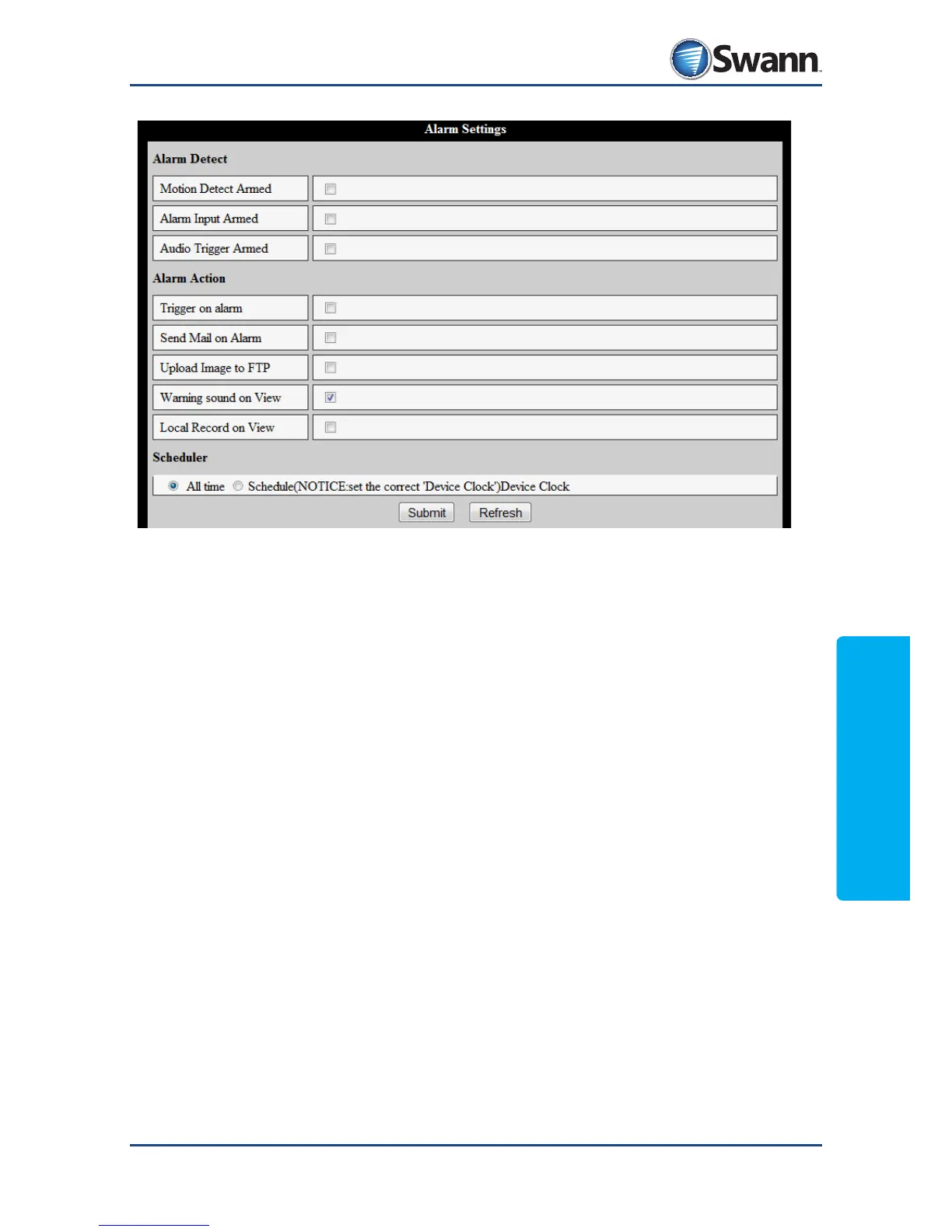
8.4.11. Alarm: Alarm Settings
Alarm Detect
Motion Detection Armed: Arms Motion Detection (see page 40).
Alarm Input Armed: Arms the alarm block on the rear of the camera. This is an
advanced feature, and recommended for experienced users only.
Audio Trigger Armed: Arms the camera to be sensitive to noise.
Alarm Action
Trigger on Alarm: Instructs the camera to trigger an external device (connected
to the Alarm: Out connection) when an alarm event occurs. Like the Alarm Input,
this is an advanced feature recommended for experienced users only.
Send Mail on Alarm: Sends an email when the alarm is triggered (see page 36).
Upload Images to FTP: Uploads images to an FTP server (see page 38).
Warning sound on View: Your viewing device will emit a warning tone when an
alarm is triggered (volume depends on the viewing device’s speaker/output).
Local Record on View: Triggers your viewing device to record when an alarm
event is detected, in accordance with the local settings of the viewing device.
Scheduler: When you’d like the alarm rules to be active. This schedule is set in the
same way as the other schedules, such as the recording schedule.



 To Next Page