32
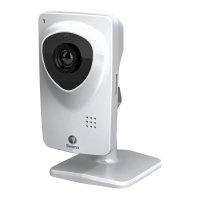
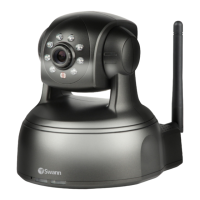
SwannEye IP Camera
Administrator
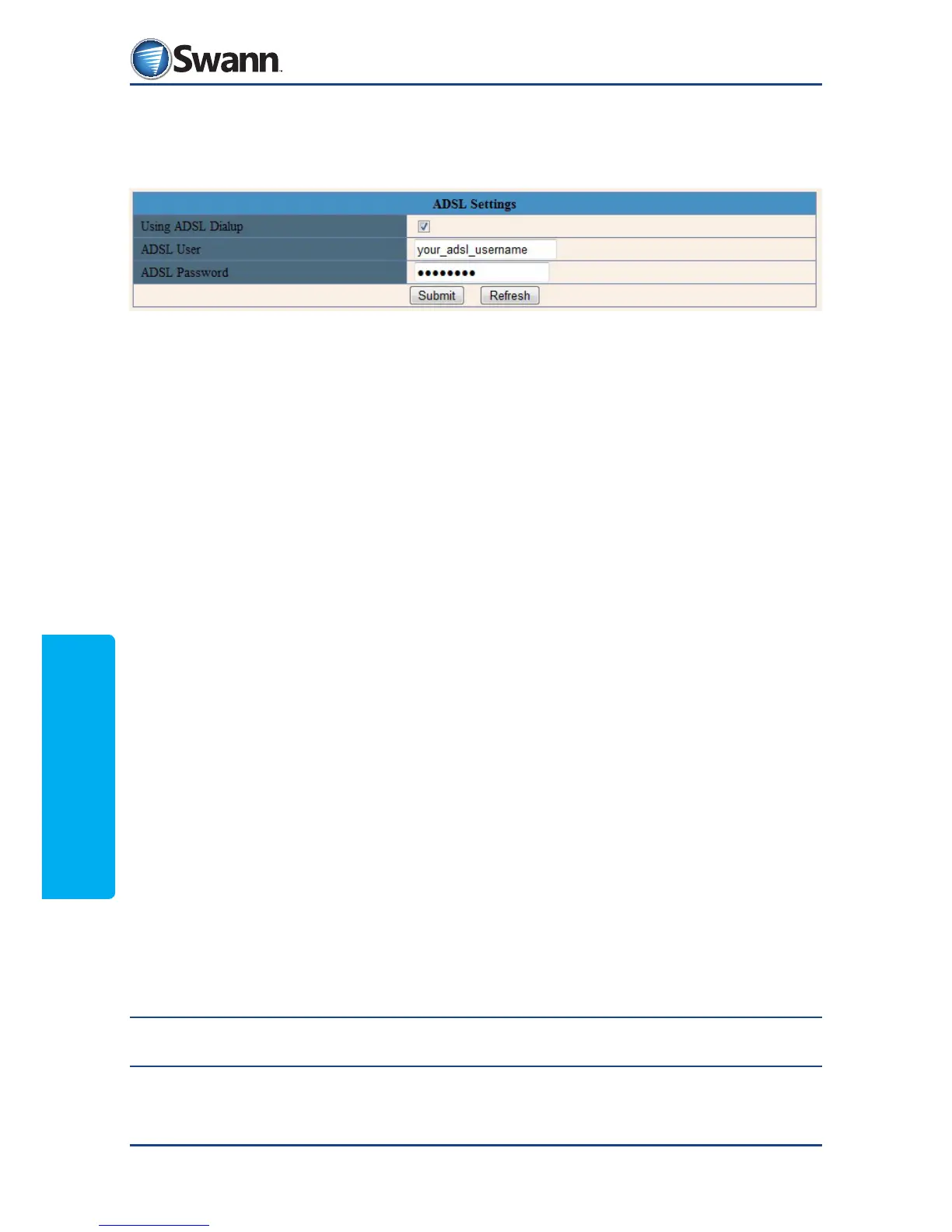
8.4.8. Network: ADSL Settings
The IP camera can connect to a DSL modem and pass the login details to the
modem to access your ISP account.
Using ADSL Dialup: Check this box to turn on the ADSL feature of the camera.
Make sure the camera is connected to a DSL modem.
ADSL User: Enter the username for your ISP account.
ADSL Password: Enter the password for your ISP acount.
Remember: Click ‘Submit’ to save your changes.



 To Next Page