Setup
9
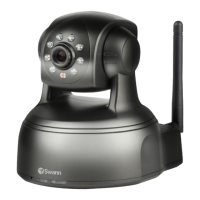
SwannEye IP Camera
5. Software installation
To congure the camera, you need to access it. This is done through a web browser
or the included CMS software (on the included CD) but:
You will need to know the IP address:port number
assigned to the camera by your network.
The simplest way of doing this is via the SwannEye Search Tool included on the
CD. There is a version for PC and Mac. The SwannEye Search Tool is also available
from our website.
5.1. PC conguration
To install the software:
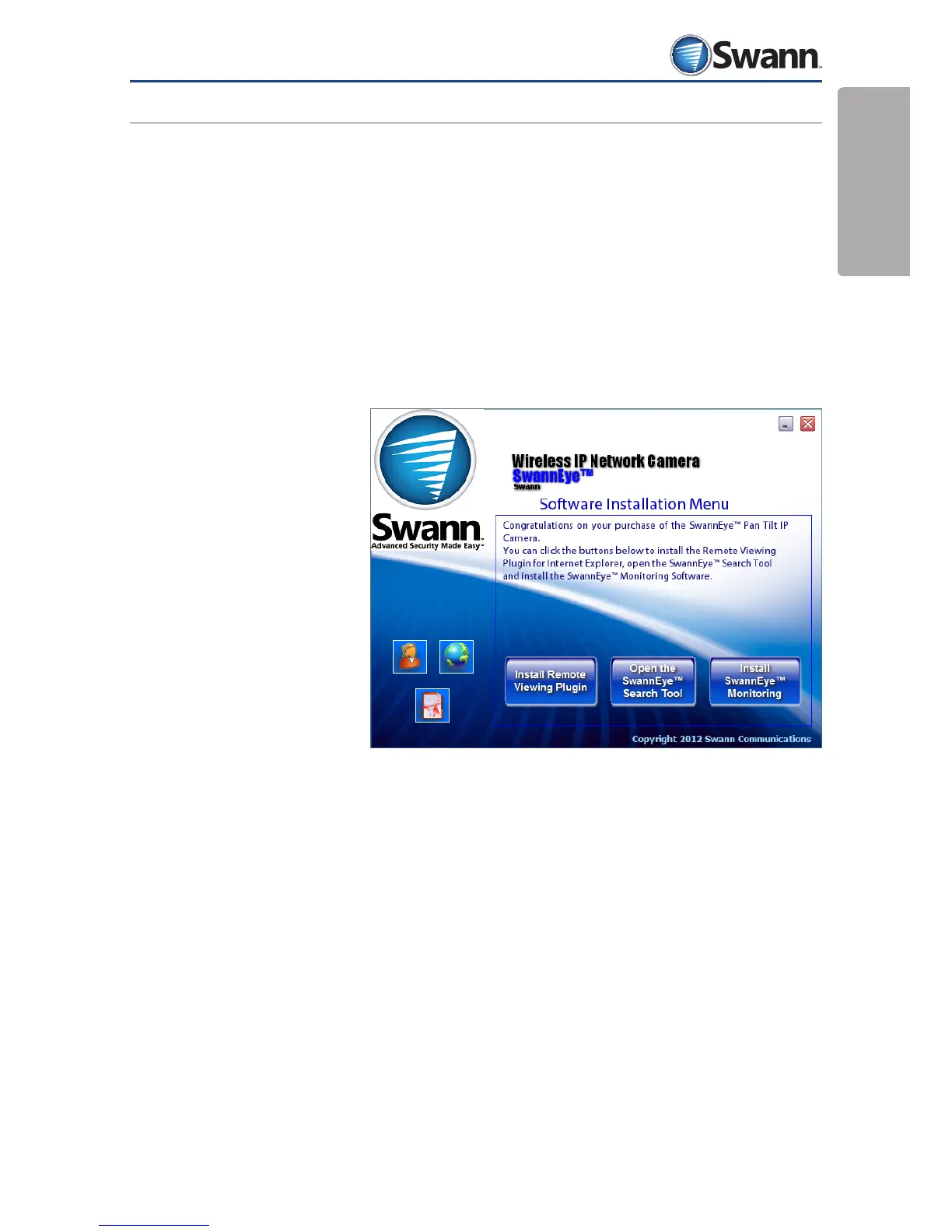
1. Insert the
installation CD
into your CD/
DVD drive and the
installation screen
should appear
automatically. If it
does not appear,
navigate to the
CD/DVD drive
using Windows
Explorer.
2. To open the search tool (which locates your camera on your network) choose
Open SwannEye Search Tool.
3. To install the CMS software, choose Install SwannEye Monitoring.
Note: The software is only compatible with the Windows operating system. If
you’ve got a Mac OS-X based system, see “5.2. Mac OS X conguration” on page
10.



 To Next Page