33
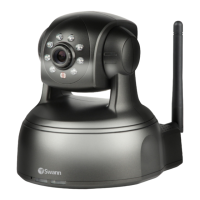
SwannEye IP Camera
Administrator
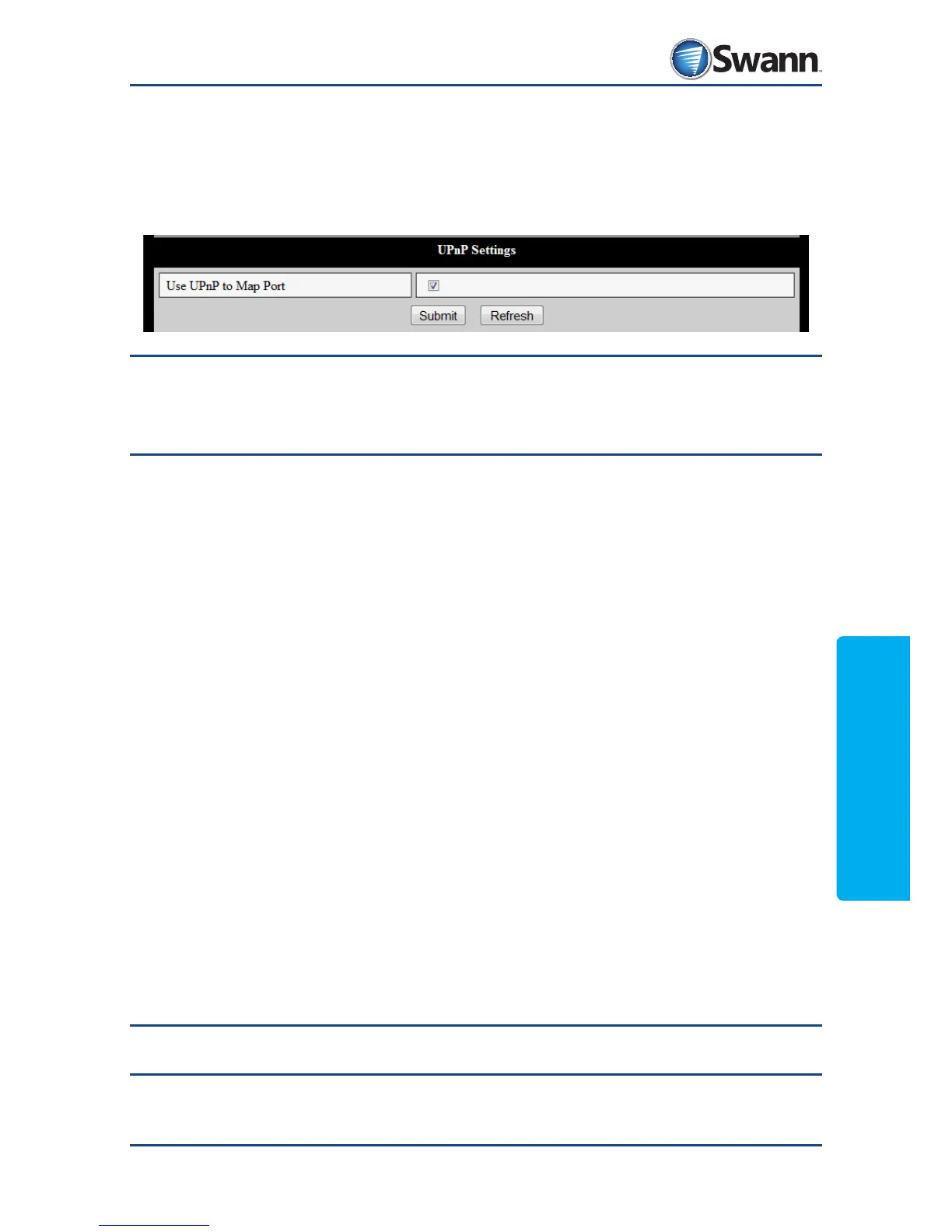
8.4.9. Network: UPnP Settings
If your router supports UPnP and you have it activated, you should check this box
(and click “submit”) to turn on UPnP on the camera. Your router and the camera
can then automatically negotiate and open the necessary ports required in order
to access the camera over the internet.
Note: If you do not use UPnP, you will need to log into your router and manually
forward the ports. If that sentence didn’t make any sense, you may need to get
your local computer geek to give you a hand. UPnP is enabled by default.
Remember: Click ‘Submit’ to save your changes.



 To Next Page