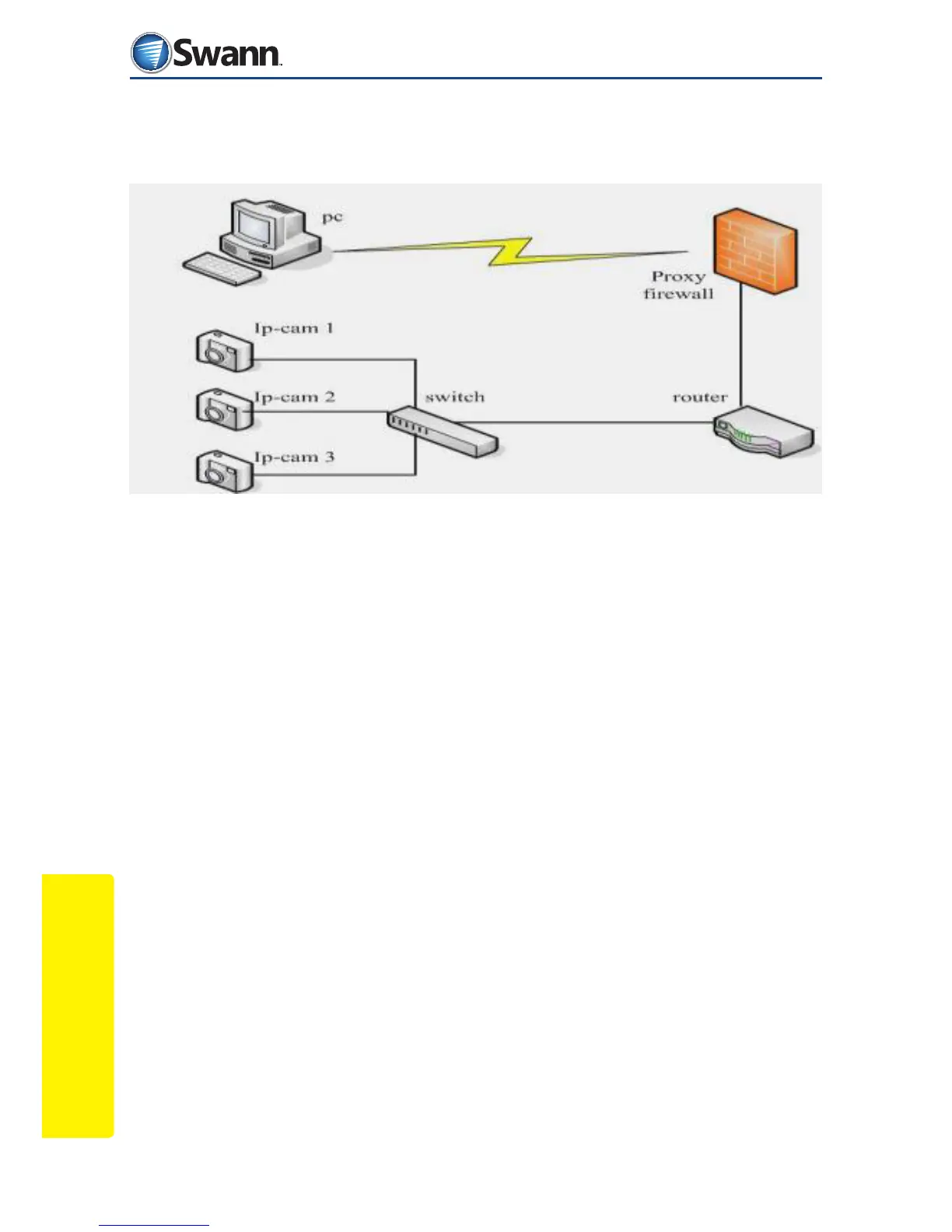
Internet Access
50
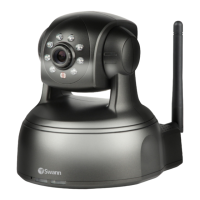
SwannEye IP Camera
9.2. Using a router to access the Internet
If you are using a router to access the internet, you do not need to set up the ADSL
settings page.
• Connect the IP camera to the LAN using a network cable. This can be a switch
or a router depending on your network.
• Activate the SwannEye Search Tool on the PC
• Login to the IP camera web browser page as an Administrator
• Enter the DDNS settings page and enable the DDNS service and click ‘Submit’
to reboot the camera. See “10.5. DDNS” on page 54 for more information.
• You can now test whether the camera is accessible from the internet by the
domain name (outside your local network). To do this, type the DDNS name
into Internet Explorer in the format http://yourdomainname.swanndvr.net



 To Next Page