©2022 SwellPro All Rights Reserved 14
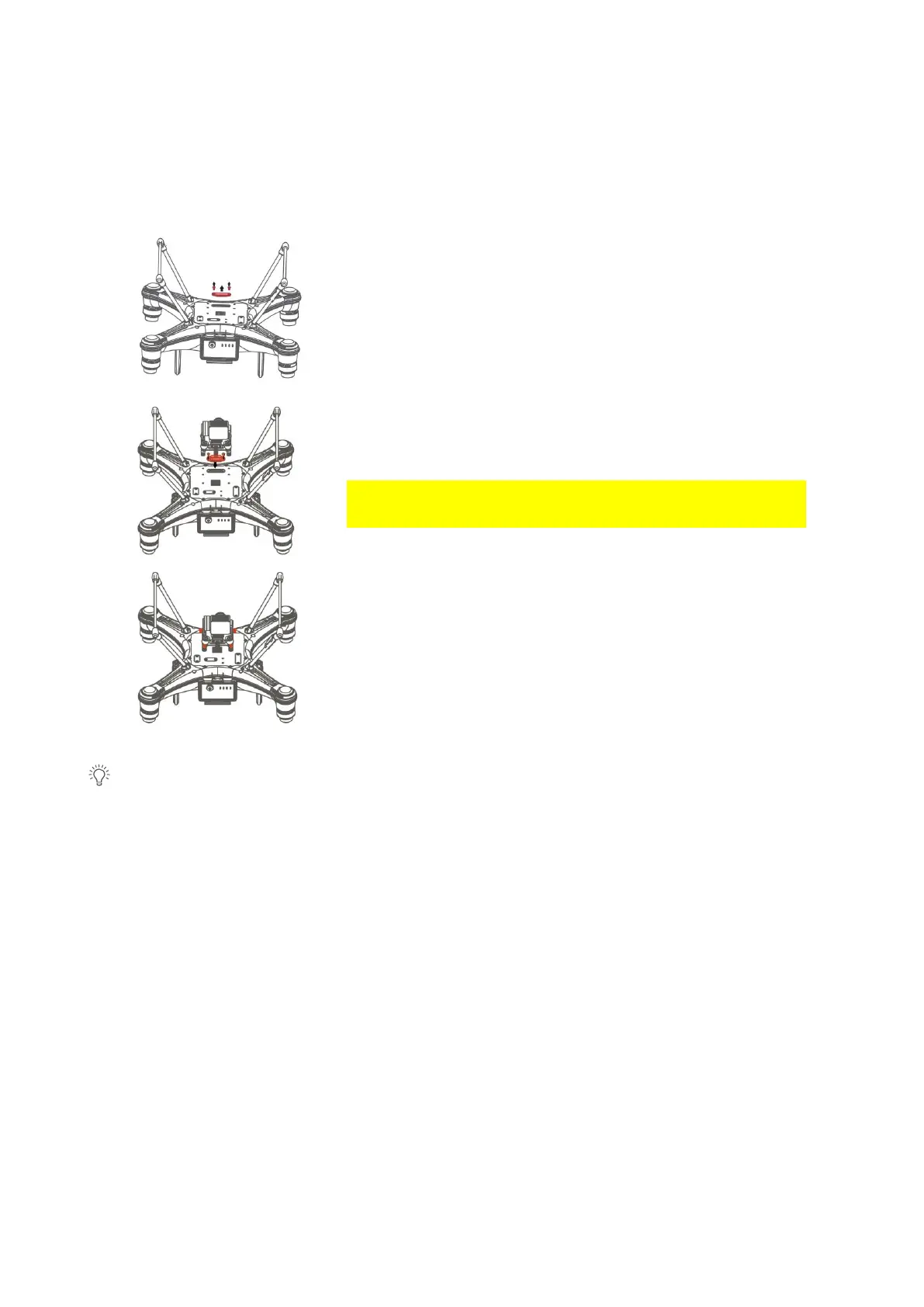
Install the Camera/Accessories
1. Unscrew and take off the gimbal port cover plate
using a hex screwdriver. (Equipped with SplashDrone
4)
2. Plug the gimbal connector into the drone's gimbal
port and screw it in place with a screwdriver.
Make sure the rubber ring is attached to the gimbal
connector before you screw the connector.
3. Align the holes on the base of the gimbal to the
bottom of the drone, screw in to mount the gimbal.
Make sure the camera is pointing to the front of the
drone.
Other accessories can be replaced or installed in the same way.



 To Next Page