©2022 SwellPro All Rights Reserved 28
Payload Button (Left)
Open: Press the PAYLOAD(Left) button once to open the payload release rod.
Close: Press it again to close the payload release rod.
Payload Button (Right) / Slow Mode
Press the right Payload (Right) / Slow Mode button 3 times to enter low-speed mode.
There is a low-speed mode embedded in all flight modes for a safer flight purpose. (For
example, when the drone is equipped with SwellPro Gimbal Extension Bar (GEB),
switching to low-speed mode allows the drone to fly more stable and safely.)
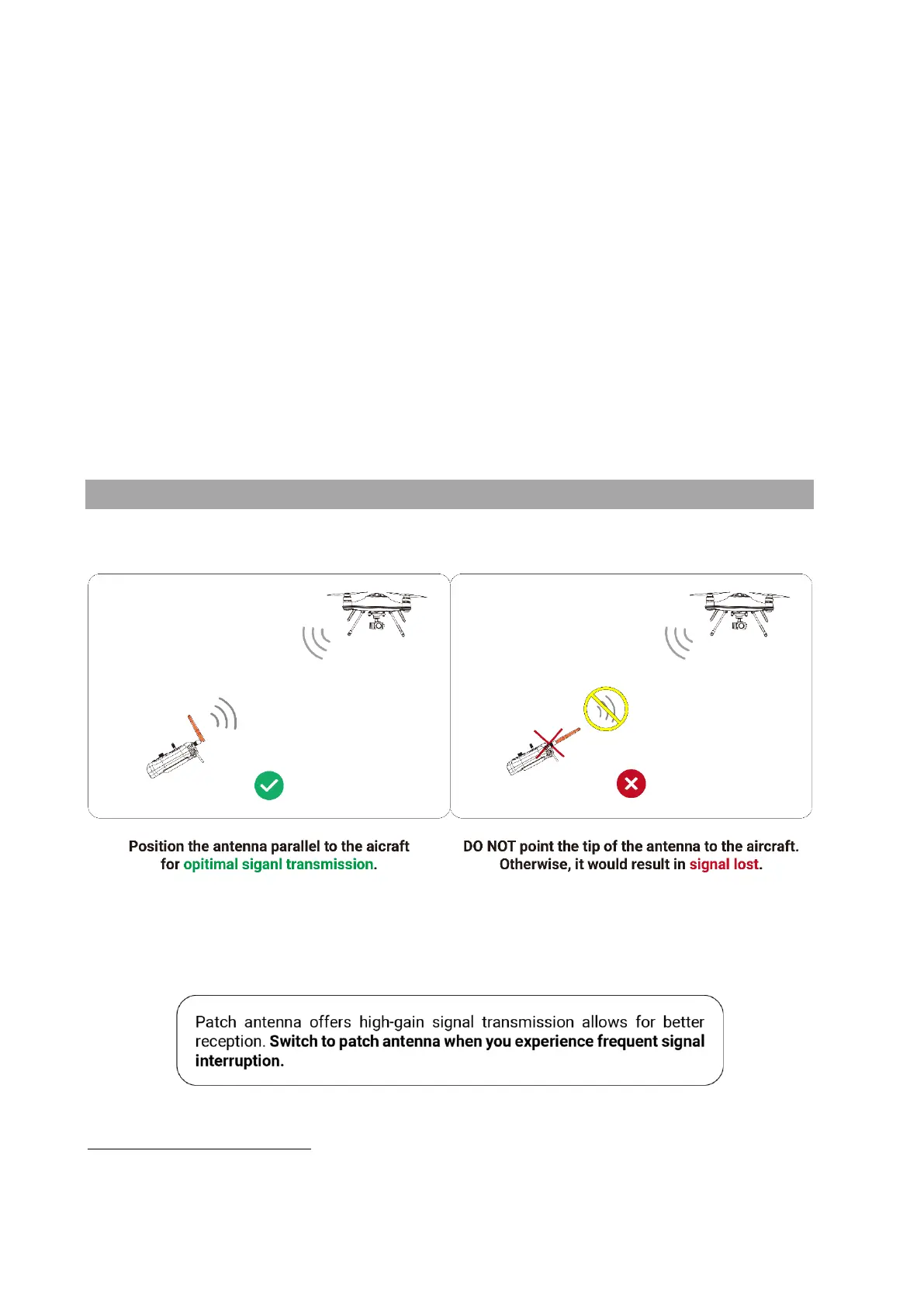
Remote Control Antenna
Optimal Signal Transmission
Patch Antenna



 To Next Page