©2022 SwellPro All Rights Reserved 51
For Android Users
Turn on the Auto Switch to Mobile Data to allow the phone to use mobile data while
connecting to the remote controller. Go to Wi-Fi setting > Wi-Fi Preference > Auto
Switch to Mobile Data (names might vary depending on different types of phones, not
every phone has this function).
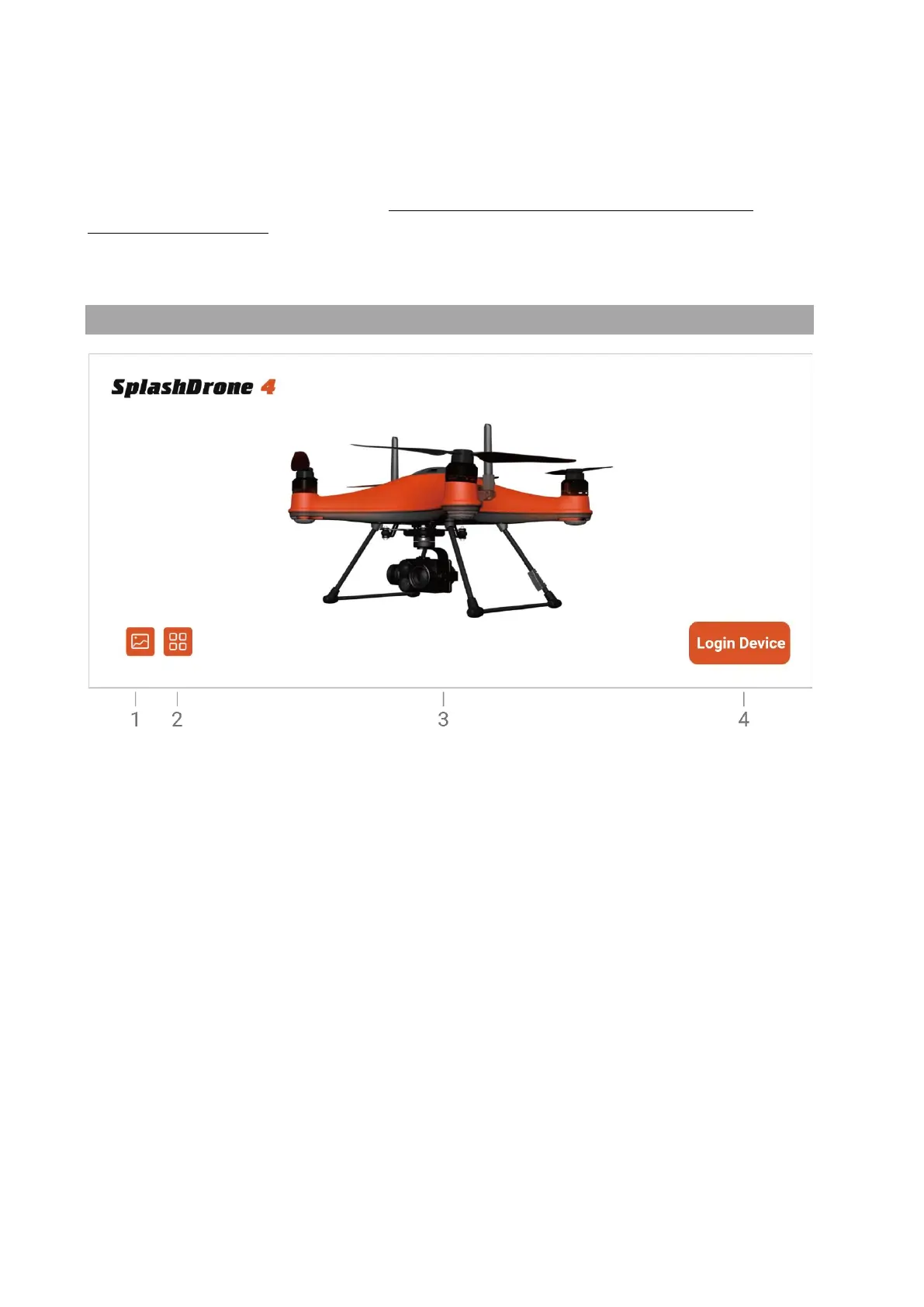
Home Screen
1. Gallery: Browse the photos/videos taken from the camera.
2. Info: Look for the info about SwellPro website, store, and contact information.
3. Connection Status:
Orange - connected to aircraft.
Gray - disconnected to aircraft.
4. Login: Tap to enter the main interface.



 To Next Page