©2022 SwellPro All Rights Reserved 47
⚠ Since the drone track the GPS location of the remote controller, keep the remote
controller in an open-air environment to prevent the built-in GPS from signal lost. (It is
not recommended to put the remote controller inside the car or kayak.)
Smooth+
The patented "Smooth+" flight control allows the pilot to finely tune the Roll and Yaw of
SplashDrone 4. Smooth+ makes professional, steady flight control as easy as turning
the knobs.
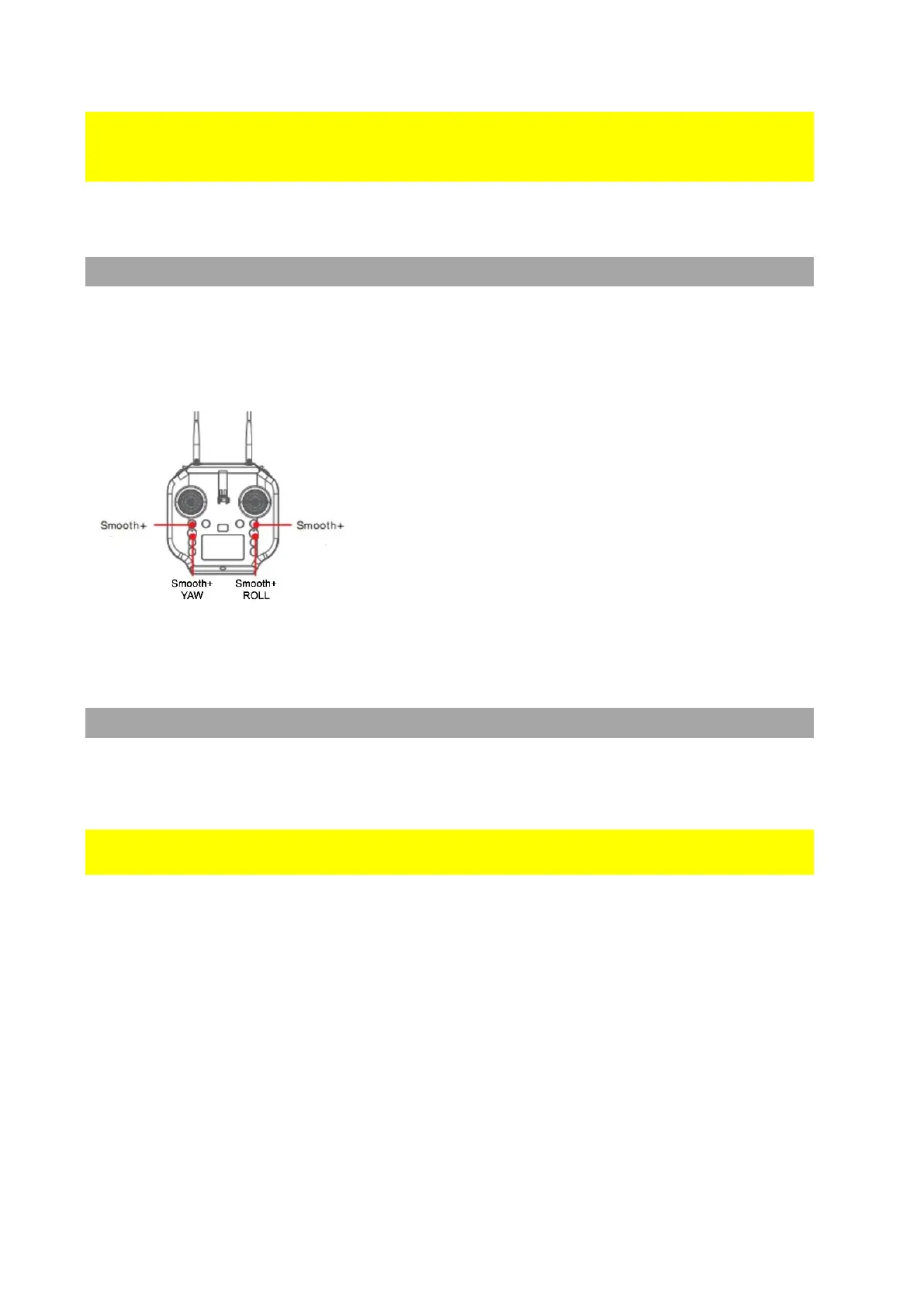
To enter Smooth+ mode, simply press the Smooth+
buttons.
Press the left Smooth+ button to engage Smooth+
YAW. The left joystick will now only control the
ascend/descend of the drone.
Press the right Smooth+ button to engage Smooth+
ROLL. The right joystick will now only control the pitch
of the drone.
Dynamic Return to Home (RTH)
The SplashDrone 4 constantly receives the GPS location of the remote controller,
allowing the aircraft to always return to the pilot even if they have moved from the
original take-off point.
The aircraft will always return to the remote controller location, not the take-off
location.
• If no GPS location is established by the remote controller, the drone would return to
the take-off point.
• If the remote controller lost the GPS signal during the RTH process, the drone would
return to the last known GPS location of the remote controller.
After the return function is activated either manually or automatically, the aircraft will fly
to the remote controller's location. Keep in mind that when the aircraft fly back within
the range of 30 meters from the remote controller, the aircraft will stop sensing the
remote controller's GPS location and return to the last recorded GPS location from the
remote controller. The aircraft is going to land on the remote controller's location.
To start Return-to-Home:



 To Next Page