©2018 SwellPro All Rights Reserved
15
This section introduces the remote controller functions, including the drone operation and the camera
operation.
Remote Controller
Charging Remote Controller Battery
Low Battery Alarm
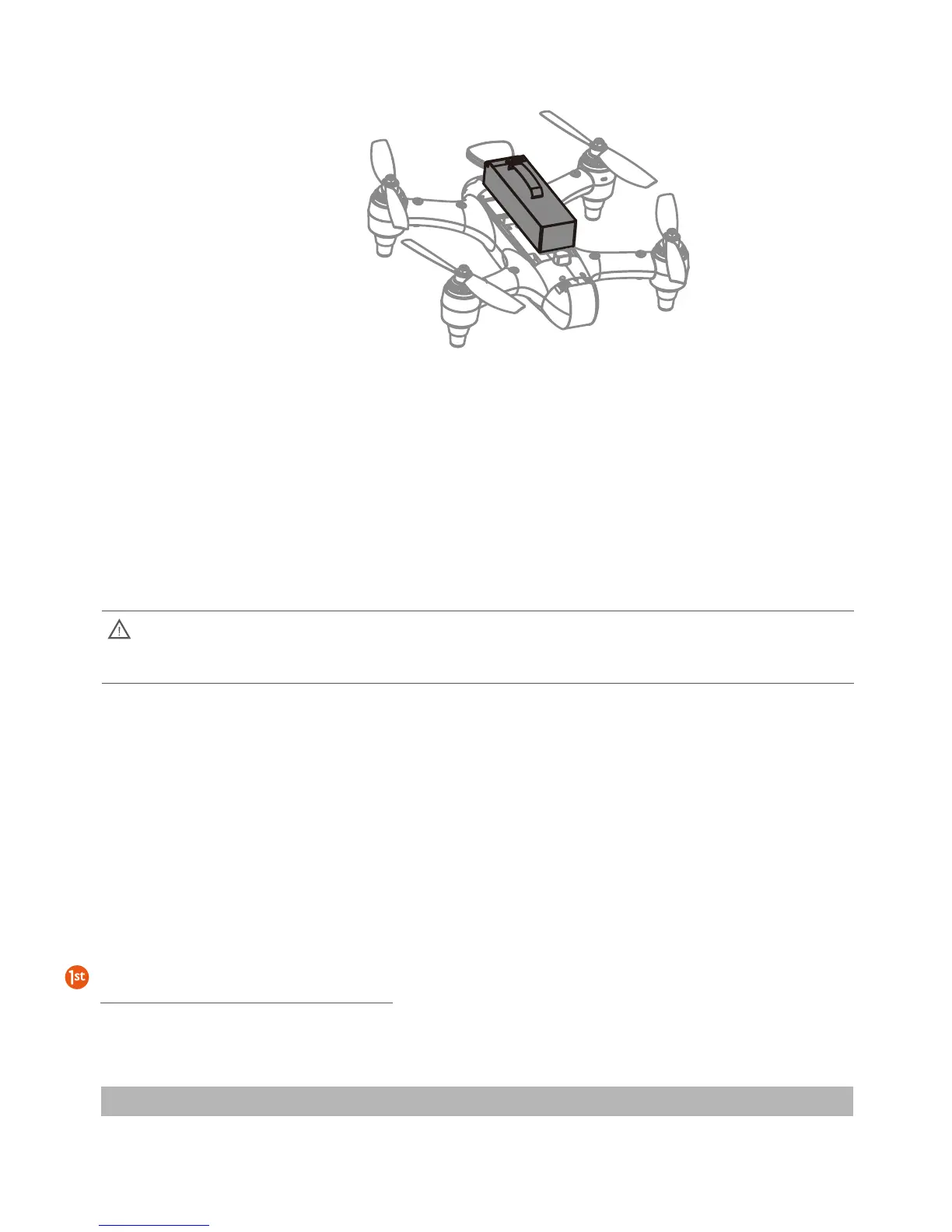
c) Check that the seals on the cover are clean and lightly lubricated. Insert the back of the cover
first and then press down on the cover to seal the battery compartment. Twist the battery
hatch lock to secure the cover.
Note: During flight when the voltage warning appears on the remote controller screen, prepare to
return and land the drone as soon as possible.
When the drone battery voltage drops to a low level (10.9V), the Drone Nose Lights will fast-flash red. The
pilot will simultaneously receive warnings from the remote controller. The screen will display “Aircraft Low
Battery” and the controller will beep and vibrate. Find a suitable place to land as soon as possible. If the
aircraft voltage drops to 10.7V, the aircraft will slowly and automatically land in place.
During auto-landing, the pilot can use the remote controller to alter the landing site, but this should be done
within one minute or the battery will be over-discharged and the drone may crash.
1. In low temperature environments (-10C degrees to 5C degrees) , flight time will be reduced.
Ensure batteries are fully charged and kept warm (20~30C) before use.
2. Also be aware that the low battery warnings will provide less warning time, so land the drone
as soon as the first battery warning appears.
Low temperature precautions













 To Next Page