3. Calculator Extensions
3.1. Large LCD Screen
3.1.1. Calculator Mode - Stack
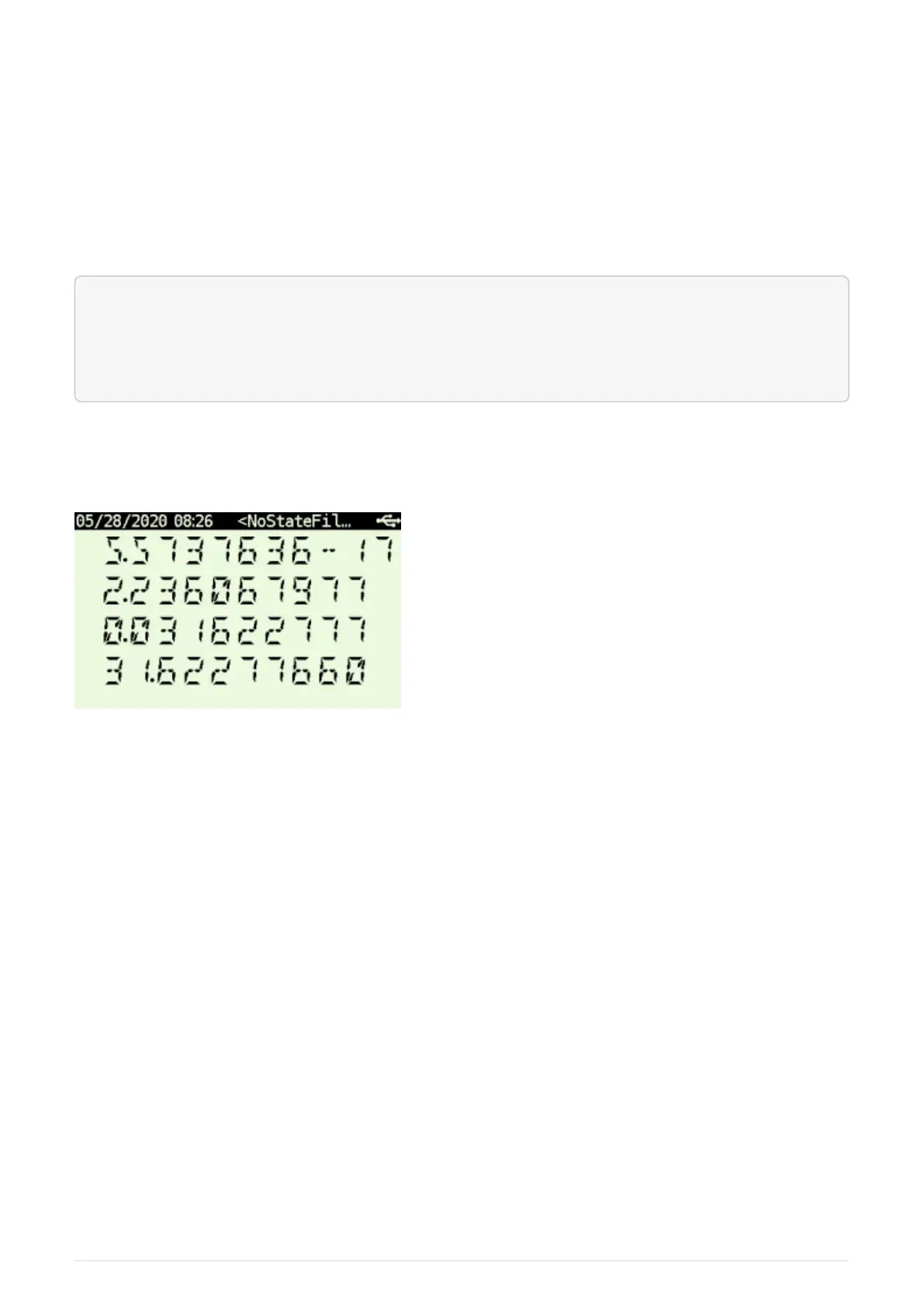
Stack view displays all stack registers with X at the bottom:
T
Z
Y
X
Note that while the emulation is running (e.g. a program is executing) only the portion of the screen
corresponding to calculator LCD is updated. All other portions of the screen are updated when
emulations stops (e.g. if program stops or waits for user input).
Figure 1. Primary Stack View Mode
3.1.2. Calculator Mode - SI
System Info View comes in two variants:
SI_XA view
Displays X and Alpha registers along System Info.
SI_XY view
Displays X and Y registers along System Info.
Note that while the emulation is running (e.g. a program is executing) only the portion of the screen
corresponding to calculator LCD is updated. All other portions of the screen are updated when
emulations stops (e.g. if program stops or waits for user input).
The upper portion of the screen contains useful details about your 41X status and configuration.
The 1st line displays status of your Alarms.
There are 3 icons on the far left:
6



 To Next Page