6. DM41X Menus
Menu navigation
• Select menu items using [ ▲ ], [ ▼ ] keys.
• Activate current menu item by pressing [ ENTER ] key or by pressing the number key
corresponding to particular menu line.
• Return to previous menu level by [ ON ] or [ ← ] key.
Soft menus
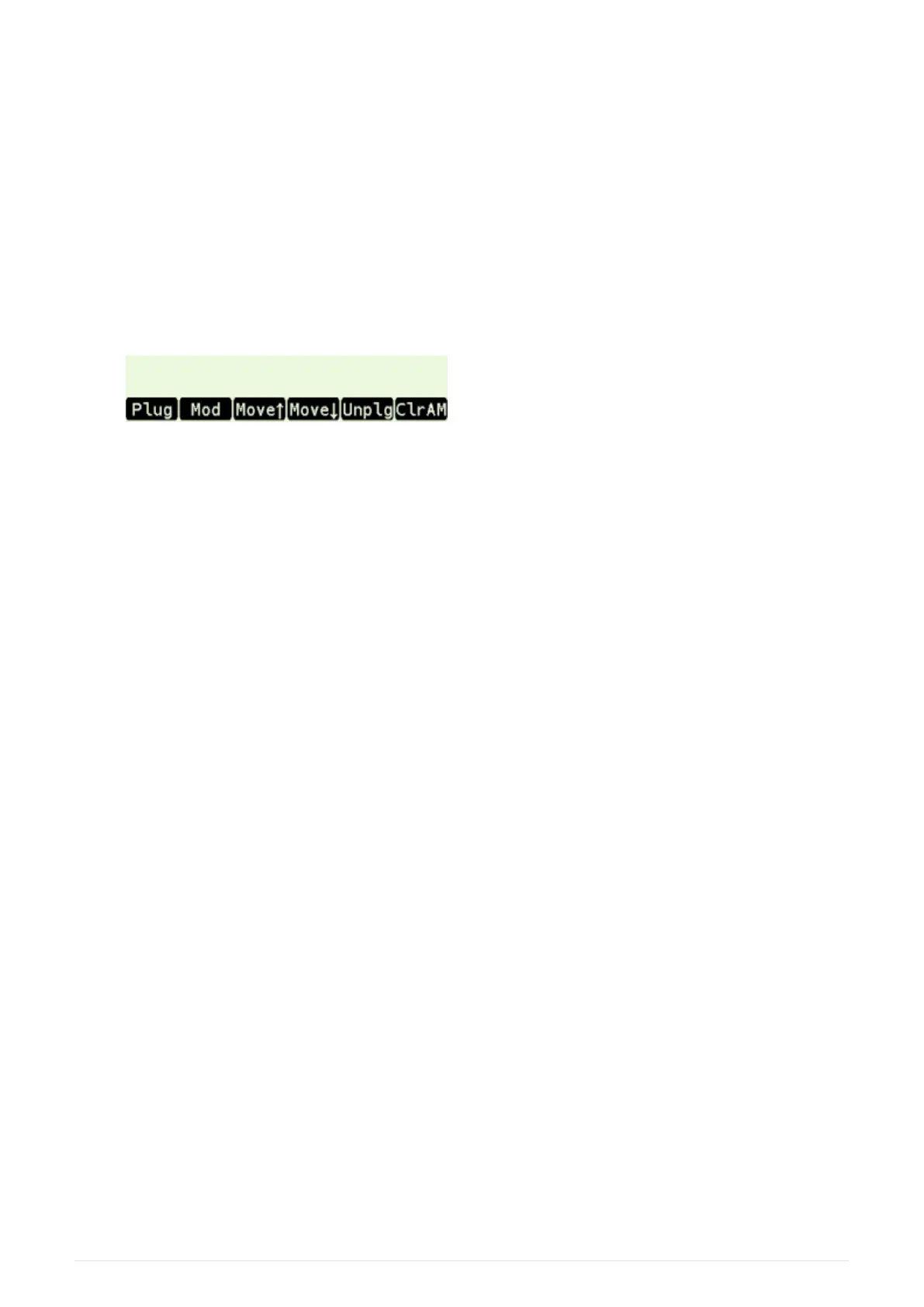
• Sometimes soft menu like this is displayed at the bottom of the LCD:
Each item in soft menu corresponds to respective key in first-row and pressing
corresponding key activates particular item.
Navigation in lists
File lists, Module list and Active Modules list
• [ EEX ] key switches between 1-column and 2-column mode
• [ CHS ] key skips between the left and right columns
"EXIT" key
• As the DM41X is based on more general DMCP system, there could be occasional references
to the "EXIT" key which means to press the [ ← ] on DM41X.
6.1. Main Setup menu
Main 'Setup menu' could be entered by pressing [ SHIFT ]+[ SETUP ].
From there other sub-menus could be entered or about screen displayed
1. File menu
2. Module menu
3. Settings menu
4. System menu
5. About > Displays About screen.
6.2. File menu
24



 To Next Page