• [ SHIFT ] [ ▼ ] uses CST command (if defined) in SI and Stack views
• [ SHIFT ] [ ▼ ] Goes to last line of current program in PRGM mode
3.3. CST - Custom Menu
Note that command in this chapter means:
• Any function name (module or mainframe)
• Any global program label (user or module)
• Also any valid label name no matter whether the destination exists or not.
CST functionality allows to assign commands to keys in the similar way as the standard ASN
function works. Those assignments are then accessible in CST screen invoked by pressing [ CST ]
key.
Therefore, you need to use only two key strokes to invoke any CST assigned command, e.g. [ CST ]
[ A ].
CST menu gives also access to several DM41X special functions labeled by numbers”
CST keys could be defined in CST edit screen which is accessible using [ SHIFT ] [ CST ] labeled as
CONF on DM41X keyboard.
It is possible to make 16 assignments to keys from 'A' to 'P' and assign commands to three special
keys: [ SHIFT ] [ ▲ ], [ SHIFT ] [ ▼ ] and [ SHIFT ] [ α ].
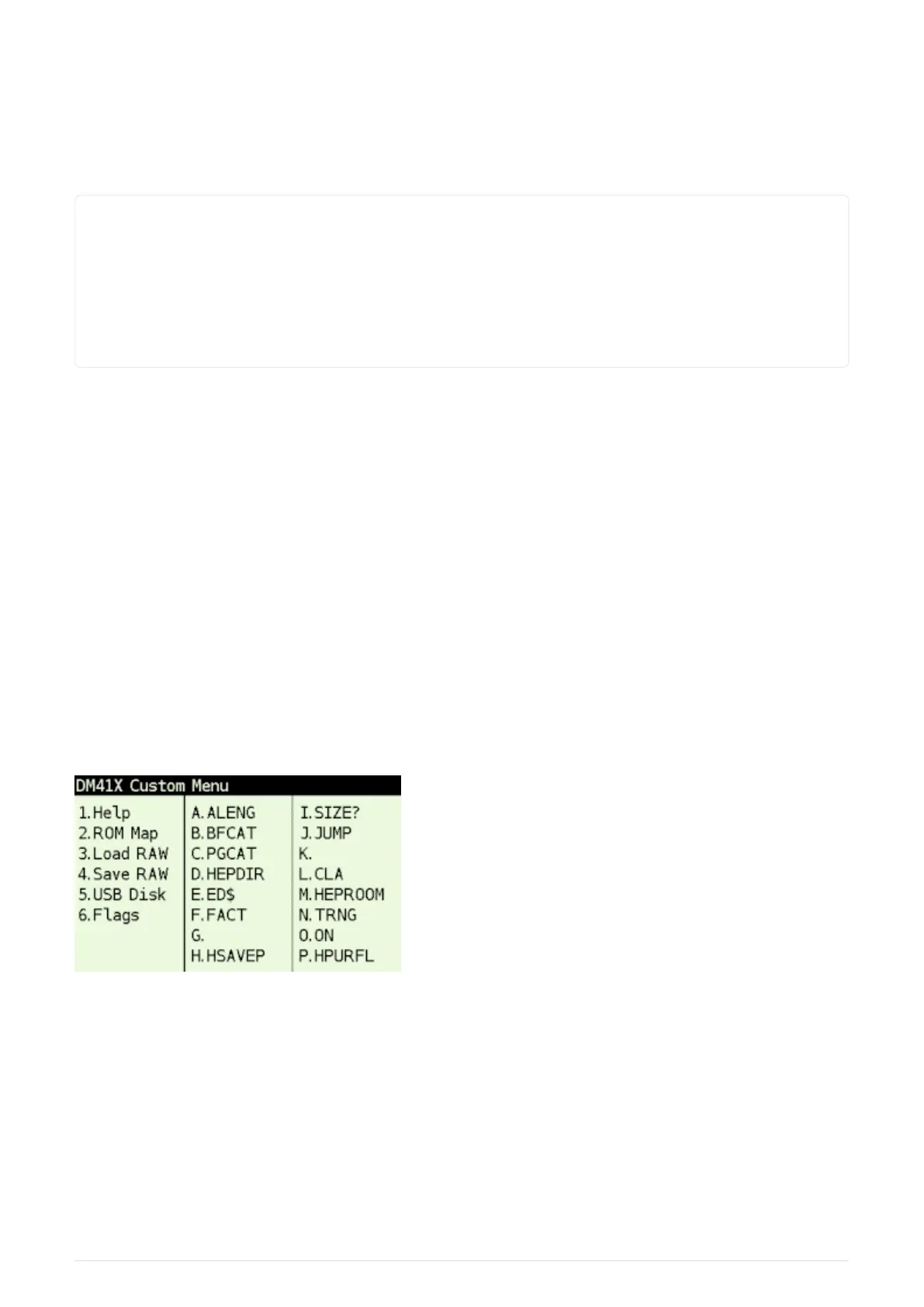
3.3.1. CST Screen
Figure 6. Example CST screen
Additional CST functions
Pressing key [ 1 ] to [ 6 ] activates one of special functions:
1. Help - Activates help browser. Note that it requires "/HELP/41x.html" file on disk. Latest help file
is available at http://technical.swissmicros.com/dm41x/fat/HELP/41x.html.
2. ROM Map - Invokes Module ROM Map screen
3. Load RAW - Invokes Load RAW Program
10



 To Next Page